Showing posts with label Craft Lessons. Show all posts

Monday, April 15, 2013

Making a Lego Table

So this is a nice short post that details the Lego table that was made for my Daughters birthday.


It's a pretty simple idea, rather than having lego all over the floor, (not that this will stop that happening) a special lego table is created, where models can be created and worked on, perhaps over a number of days.

The basis for this table is a cupboard from Ikea that is a bit like those old school cupboards, there are some plastic trays that will be used to store the lego in.

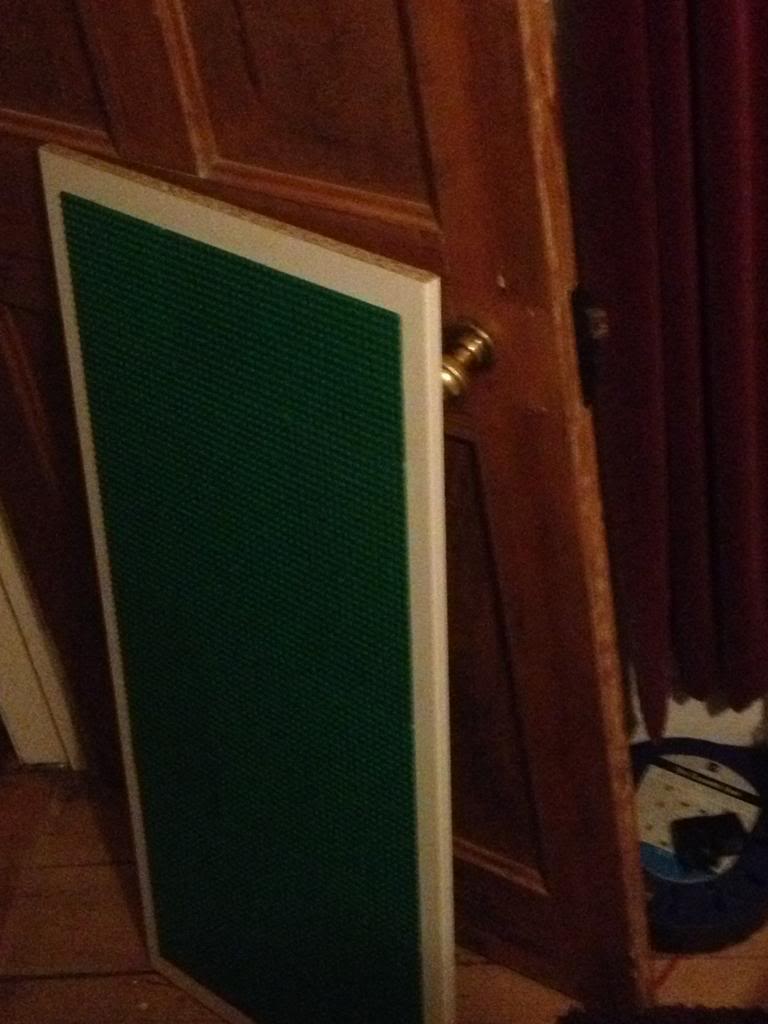
On the top of the table base boards are glued to the top.

This table uses 32 x 32 piece boards, (three of them) and 16 x 32 stud boards, (4 of them) and a single 16 x 16 stud board

The total areas therefore is 48 studs wide (32 + 16) and 112 studs long (32 + 32 + 32 + 16)
there is an equal border, (about a 3 stud lego brick size) around the whole top

The boards were glue using solvent free evo stick (contact adhesive) glue. obviously a solvent based glue would melt the ABS plastic that is used to make Lego!

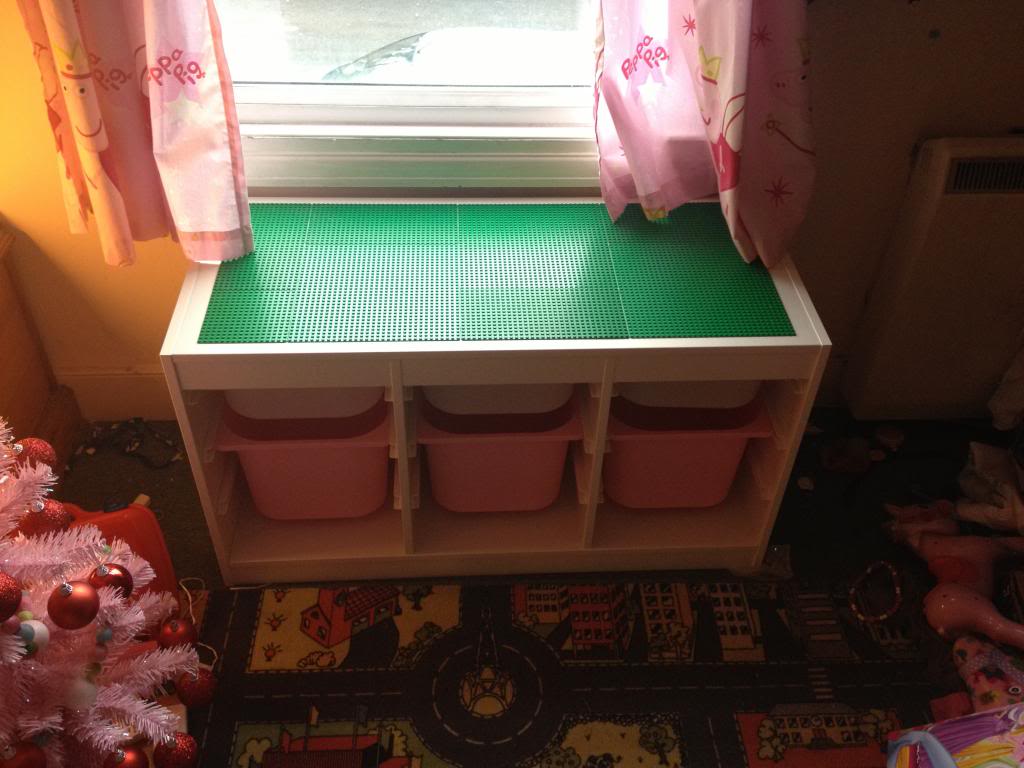
When the table is all put together it looks like this:


You can just about see the way that the boards are offset to try to minimise the lines.


Monday, March 25, 2013

Creo-Elements tutorial -Making gears

So I thought it might be time for another kind of lets teach something blog post.

So,

Making gears with Creo Elements

So I'm going to design an actual part (that I will be using in the creation of my own variant of 3d printer, (I have an idea in my head for this at the moment).

The pulley that I'm going to print now will need to accept T2.5 belt, (5mm thick) and will need to fit over a standard skate bearing (608Z)

So lets have a look at what that actually means.
First we'll have a look at the skate bearing.

These have an outer diameter of 22mm

This means that my pulley wheel must have a hole in it that is 11mm radius.

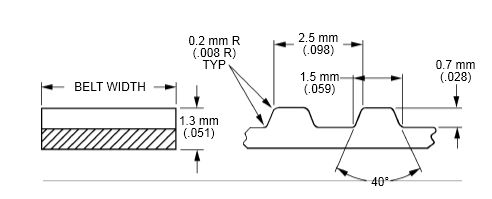
Next we look at the specification of t2.5 belt.


Basically, any point in the belt to the same point on it's adjacent tooth is 2.5mm.
Each peak is 1mm, each trough is 1mm, there is a slope to the teeth that accounts for the remaining 0.5mm, (a 0.25mm slope)

However, on the pulley I won't put the slope in, I'll leave a sharp angle to allow the belt to bend.

To we're looking at a 1mm crown, and a 1.5mm grove on the t2.5 pulley.
Now we need to figure out the outside diameter of the pulley.

Start by deciding at least how big it must be.

The hole in the middle is 11mm.
We want at least 1mm over the width of this bearing. so we say that the pulley must have a radius of at least a few mm more than this.

Now lets work out the circumference.

14*2 = 32 * pi =88.116
so the outside circumference would be 88.116mm.

I'll round that up to 90mm circumference.
that give me

90/2.5 teeth = 36
each tooth has an angle of 360/36 = 10 degrees

If my circumference is 90, then my radius must be
90/pi / 2 = 14.29mm

I'm going to create a 14.3mm Radius T2.5 pulley wheel, with an 11mm hole in the centre.


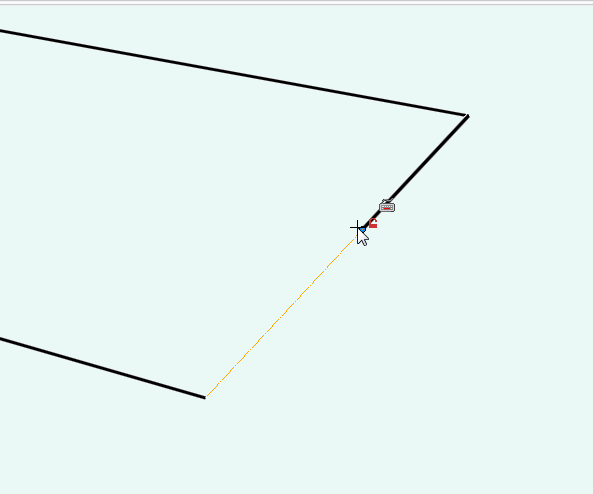
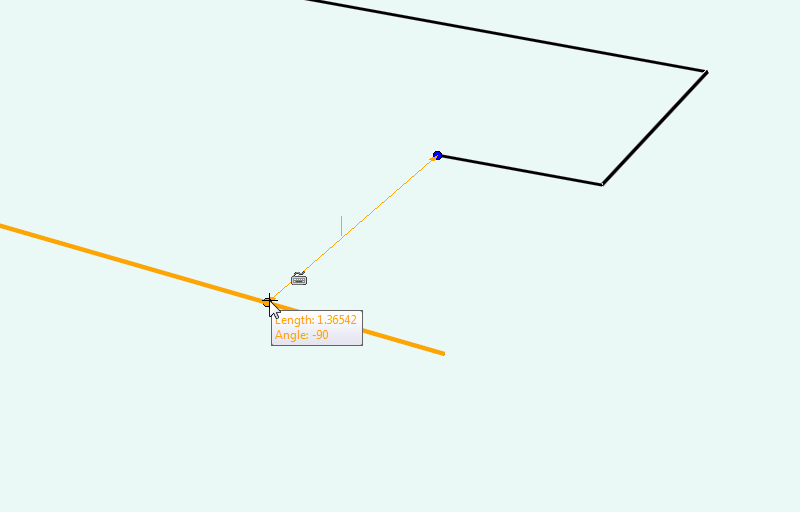
So start by drawing a single line that's 14.3mm long on zero degrees.
then a second line 14.3mm long on ten degrees.


Now draw a line 1mm coming into the part, toward the other line.

Then a line that goes towards the centre of the part at a perpendicular angle, that's 0.7mm long (the height of a T2.5 tooth.

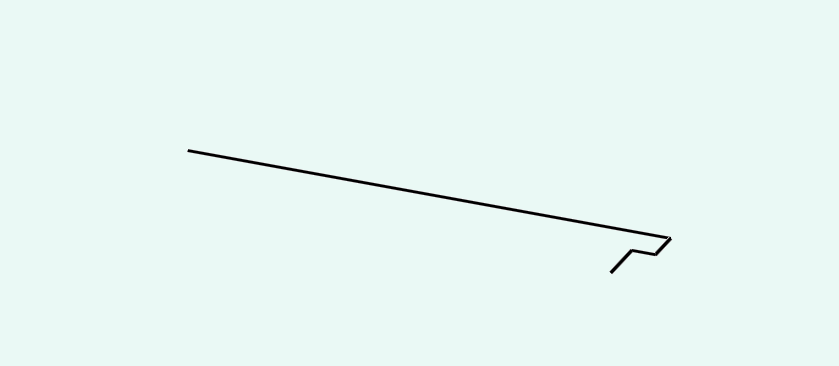
finally draw a line directly to the opposite line.


This won't be exactly 1.5mm in length as it's shortened by being closer to the centre of the pulley

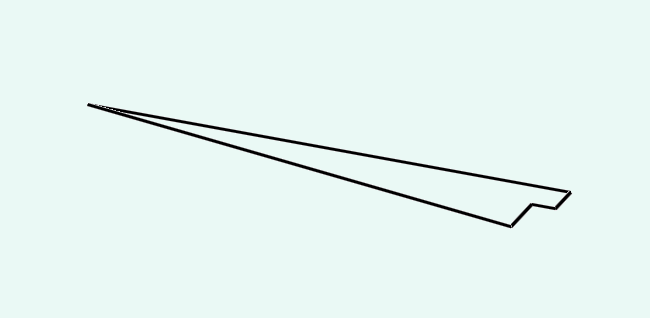
now delete the line on zero and redraw to the correct size.


Now you have one thirty sixth of your pulley wheel.

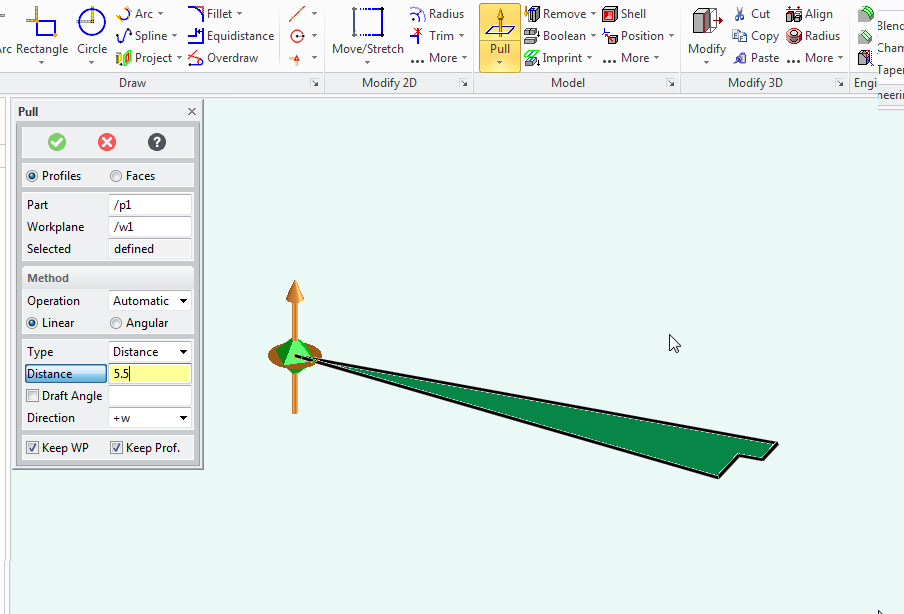
Use the pull tool to make the gear segment 5.5mm tall, (the intended belt width is 5mm, so this adds some space for fit.


You now have a slice of gear.


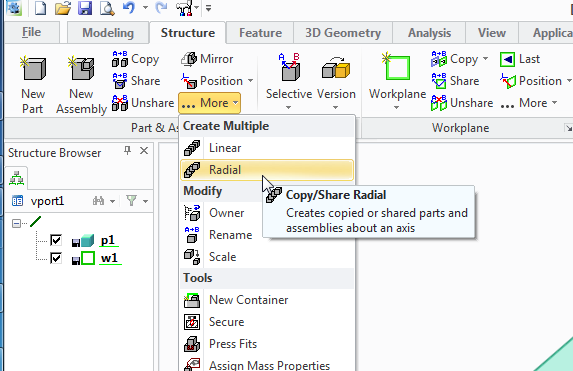
Next you need to select the structure tab,
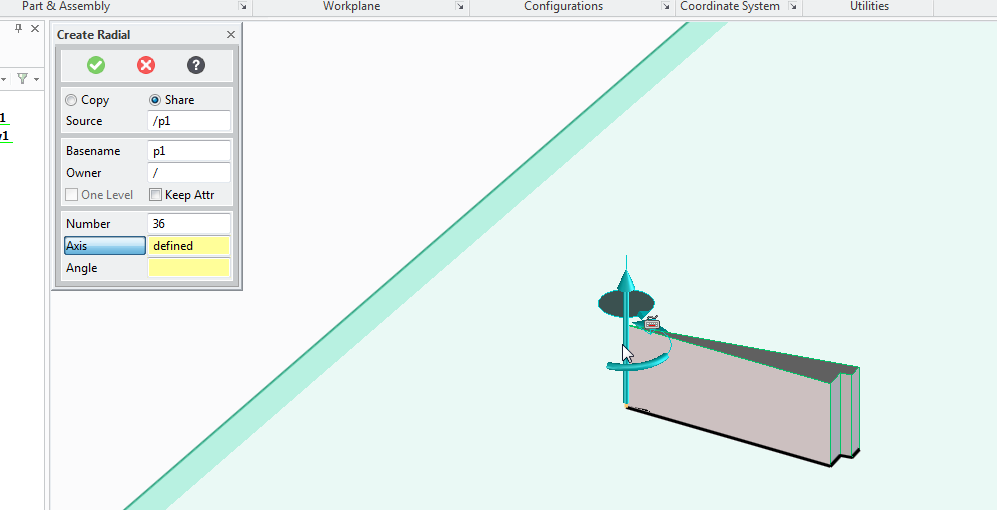
pull down the copy part options and select radial copy.

You'll need to copy, 36 times, (there are 36 teeth)
with the axis set at the centre of the pulley
and the angle of each segment is 10 degrees

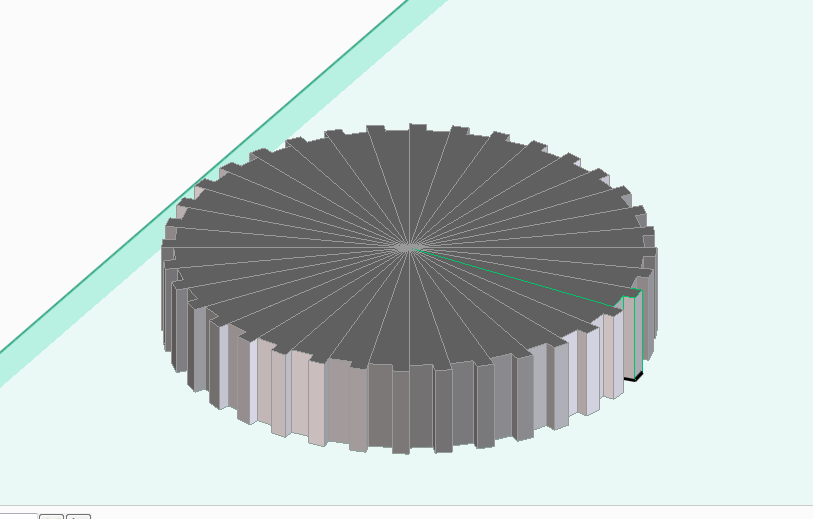
Press ok and a new gear is produced.

Now delete the work plane.
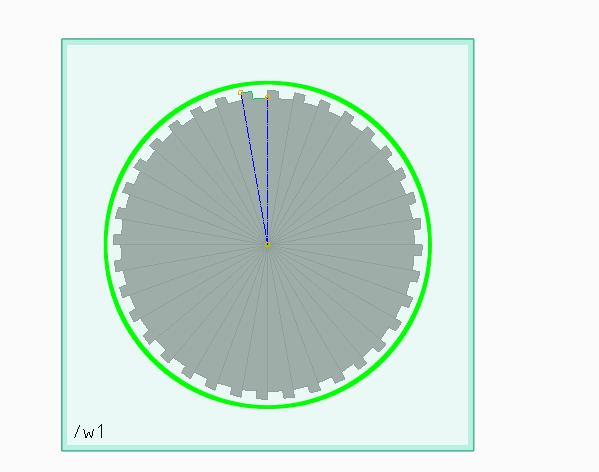
Now select the circle tool and click on the gear to create a new work plane,

Drag the circle from the centre of the gear to a 15mm radius.

Use the pull tool to make the top of the gear 0.75mm high

repeat on the other side.

Now use the chamfer tool set to 0.5mm to add a slight grove to the pulley wheel edges, this will held reseat the belt if the alignment is slightly out.

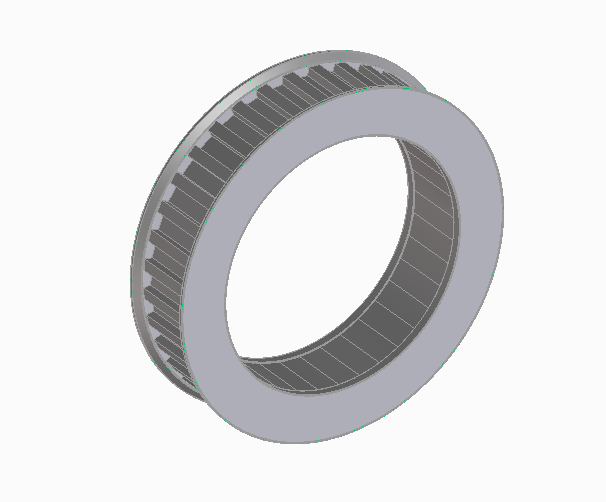
now use the circle tool to create a circle with an 11mm radius, and use the pull tool to pull to a depth of -7mm to remove the centre of the pulley wheel.

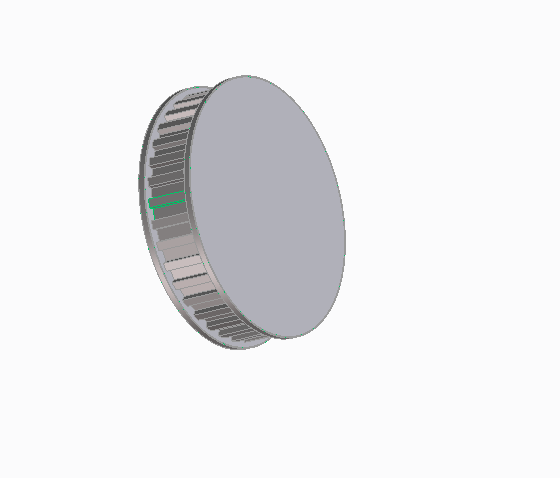
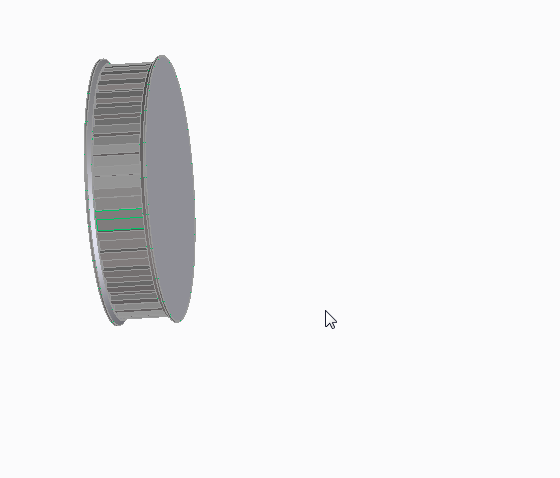
Now we have a pulley wheel.
It fits over a standard skate bearing.
It has 36 teeth at a T2.5 pitch.

(this will be an idler pulley in the drive system)


This can of course be used to create spur gears as well as pulley wheels, sprockets for use with chain drives, all you need to do is work out the appropriate angle and make your tooth profile fit the job then replicate it.

You can also use this method for making other repeating shapes, for example, spoked wheels, clutch plates, fan assemblies. etc

Monday, December 31, 2012

Making door signs with a 3d printer.

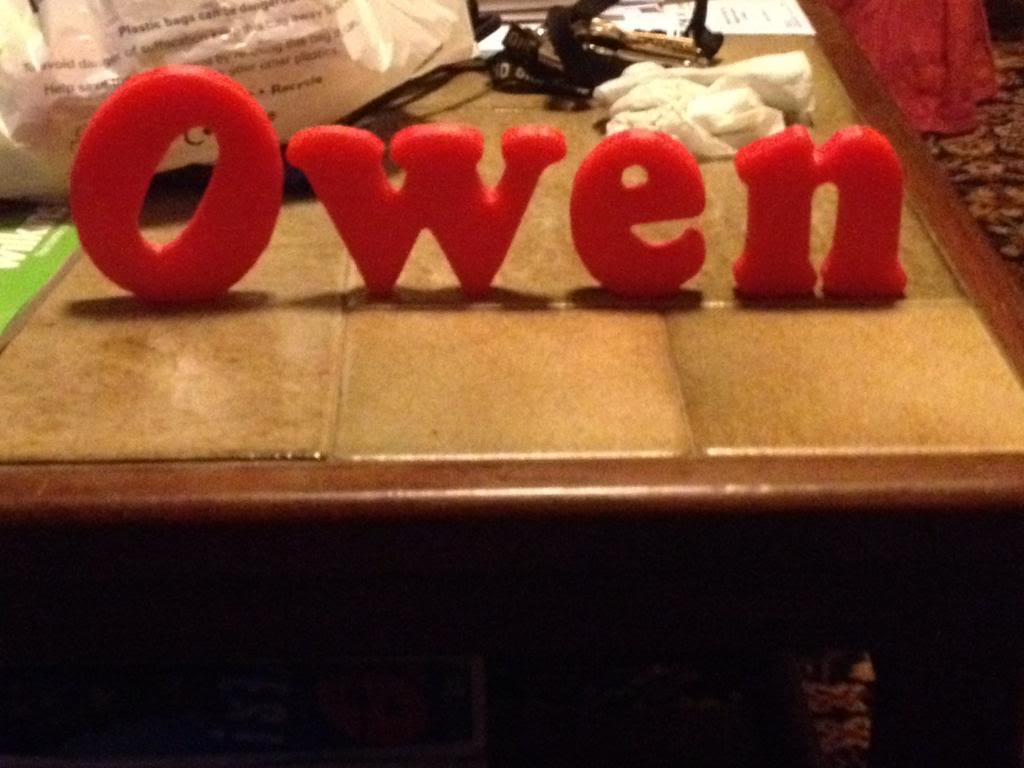
This was a little bit of fun to give my nephew something nice for Christmas. I thought that it might be nice if he got a nice sign for his bedroom door with his name on it.

Rather than go out to the garage and get busy with the jigsaw/sandpaper and paint like I once would have I decided that I'd have a go at printing some letters that could be stuck to a door.

So this is a step by step guide on how to create letters and a door sign, from design to creation.

Modeling
First you're going to need 3d modelling software, this blog post will explain how to use the Creo elements software since that's pretty good and free.

Open the package, as before you see your work plane and nothing else,
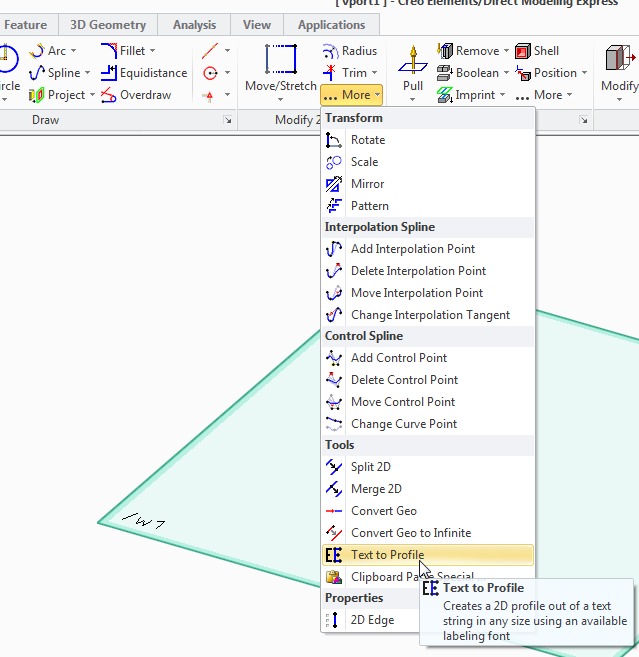
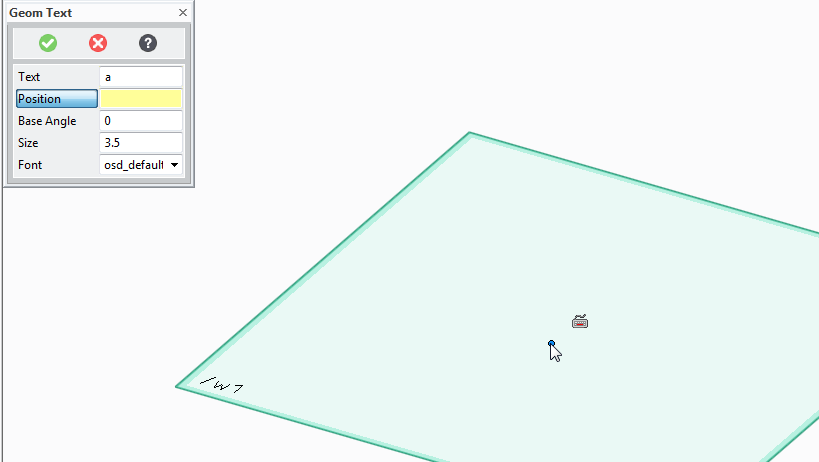
in the 2d toolbox click on the more button, and then select "text to profile" tool.

A box will now appear where you can enter the letters that you want to print.


As an example I've put the letter a
Now you press the position button and select where in the work plane you want the letters to appear.
(click somewhere in the middle)

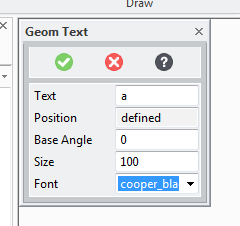
Now you need to define the angle that the letters will be at (zero is probably fine!) the size, -I want them large for sign so I choose 100, and the font.

I've chosen cooper black as the font. it's not the worlds fanciest font, but it is pretty good for printing, there are no weird angles etc no parts that will end up impossibly thin or unprintable.

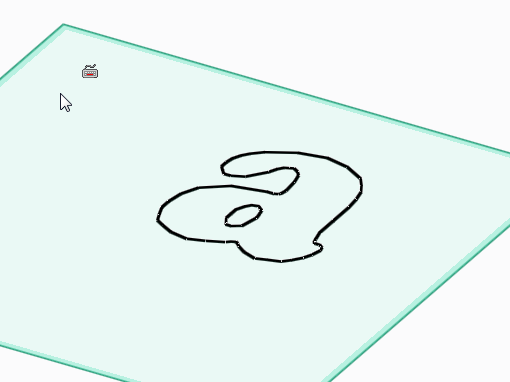
Once the letter is on the page we're going to need to give it some depth.

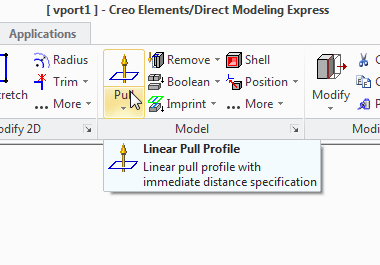
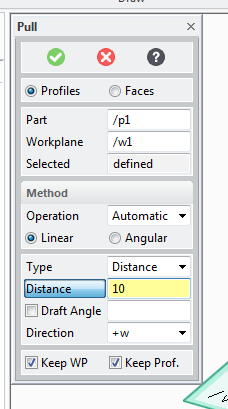
So use the pull tool:


And select the pull width to decide how fat you want the letters to be:


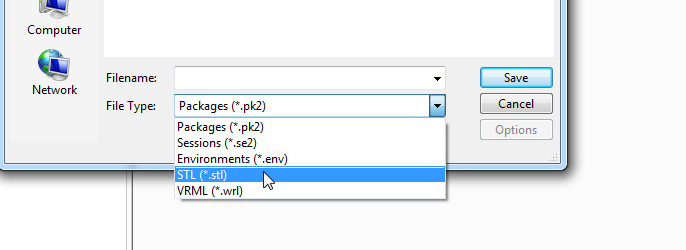
Now delete the work plane ans select save.

change the file type to STL


Now select to save All Objects using the button at the top, (that's only part 1)


type a file name and press save.

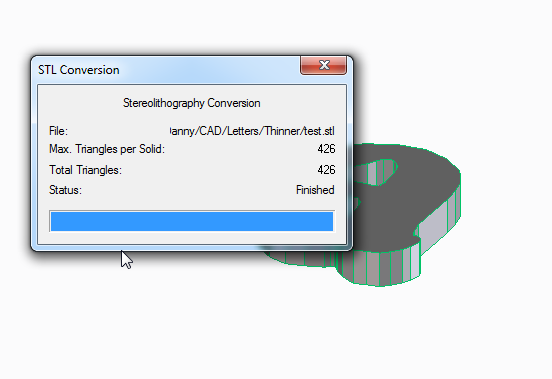
You can close the STL conversion box that appears.

Slicing
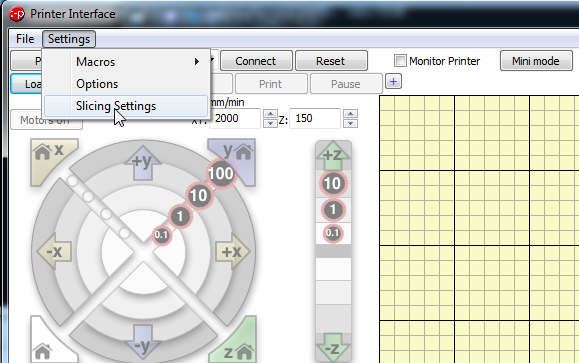
Now launch pronterface by running the pronterface.py file

you now need to access the model slicer.
select settings, slicing settings

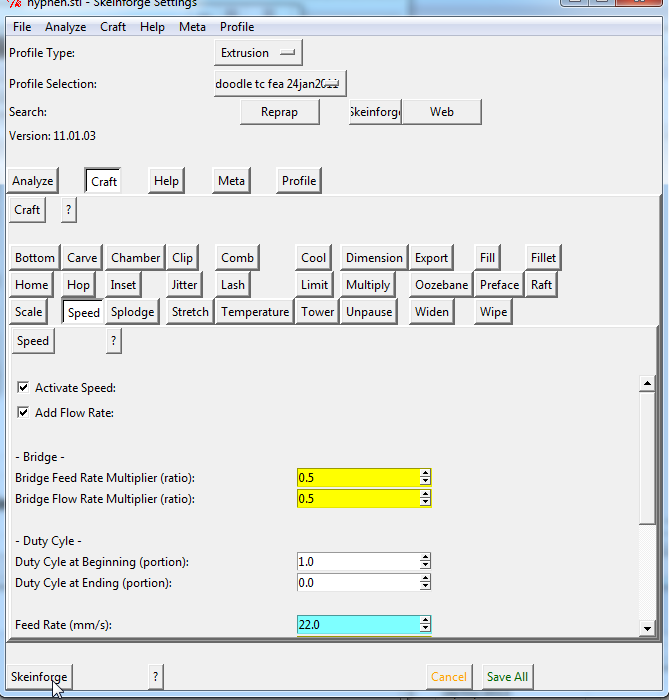
This opens a new window called skeinforge,
click on the skeinforge button at the bottom to open your model

Select your STL file and press open.

Now Wait...
...

...

Two new windows will appear, these describe in a colourful way how the models will be built. you can close these windows now.


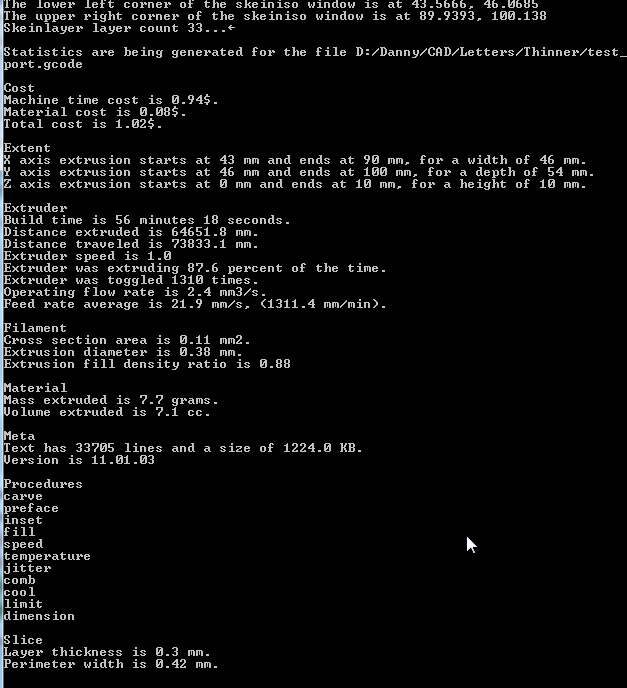
Now if you look at the python command line window that is open you can find some interesting things about your print that's going to happen, (like how much material will be used, how long it might take to print etc.

Printing

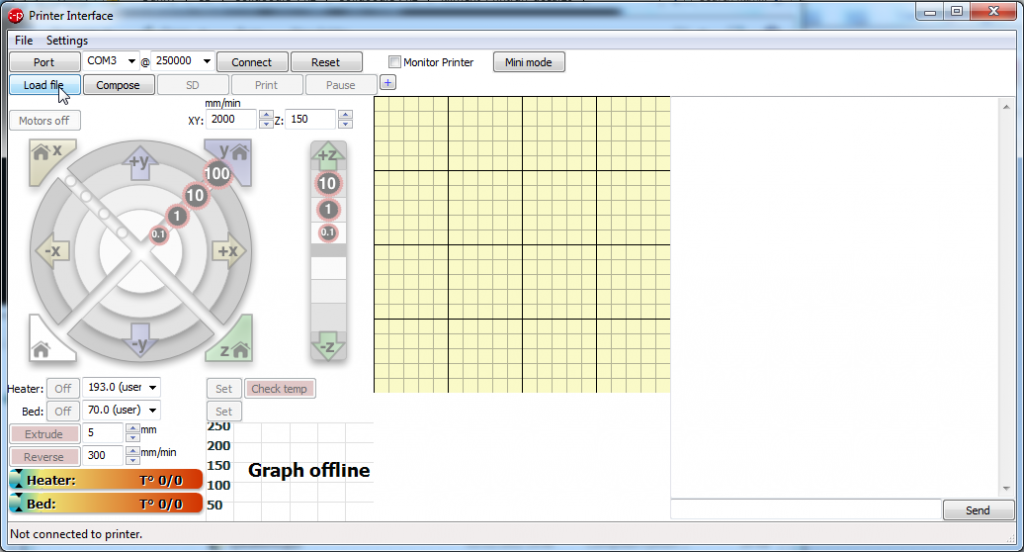
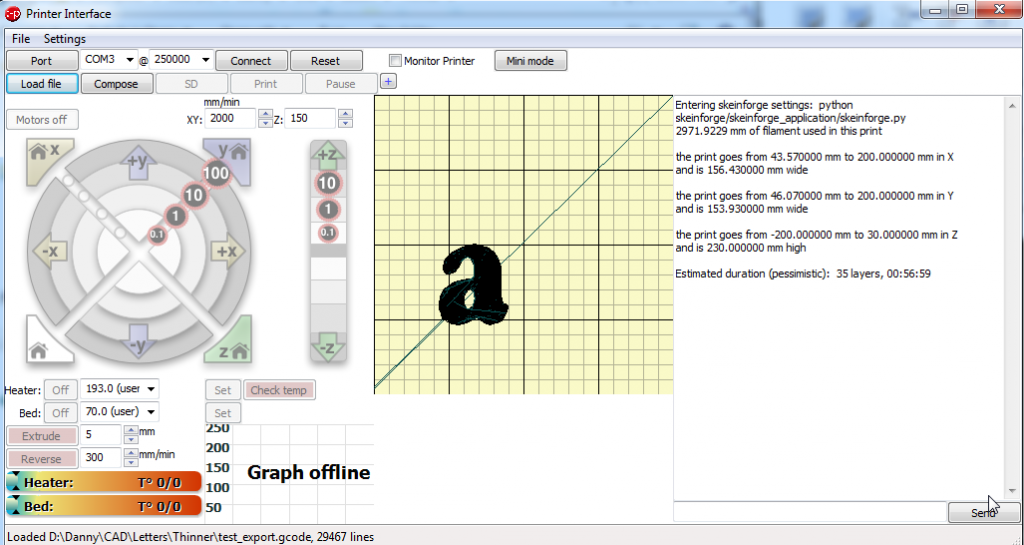
Now you should be looking at the pronterface screen again, select load file and open your file:

You now get a picture showing you how your file will look and where it will be printed on the bed.

Make sure that you have the correct com port set, and press connect.
Check the box that says monitor printer (in-between reset and mini mode)
now press set on the bed temperature.
watch as the actual temperature line ramps up to meet the target line.

When the bed has heated up, click set on the heater button, watch as the nozzle comes up to temperature.

When both the bed and the nozzle are at printing temperature then press the print button, then watch your printer make the letters for the door sign.

Monday, September 24, 2012

Craft Lessons: Making a Towel Ladder

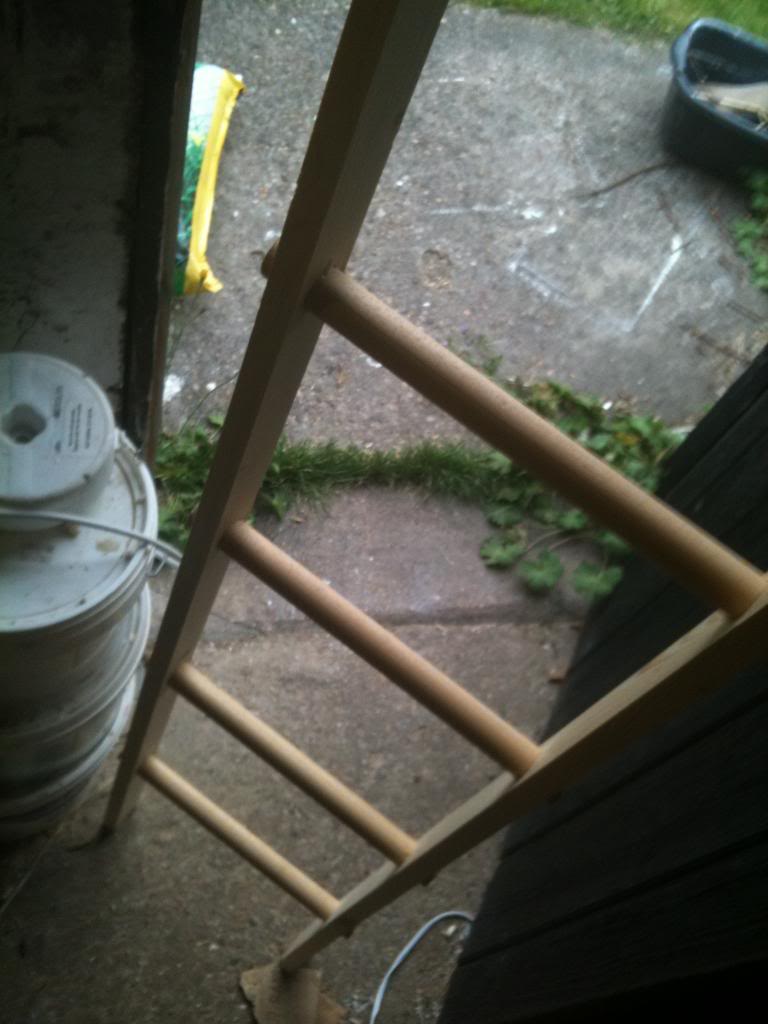
A Towel Ladder is basically a towel rack, it could be used for towels of tea towels, dishcloths  or whatever.

The basic structure is a ladder, it leans against the wall much like any other ladder and you hang towels onto it.

It clearly will not take the weight of a person, this is definitely not a climbing ladder. you'd use a simillar process to make a climbing ladder, but thicker rails, or pre-stressed timber (not roofing baton). and look for a stronger material to make the rungs from.

Anyway.

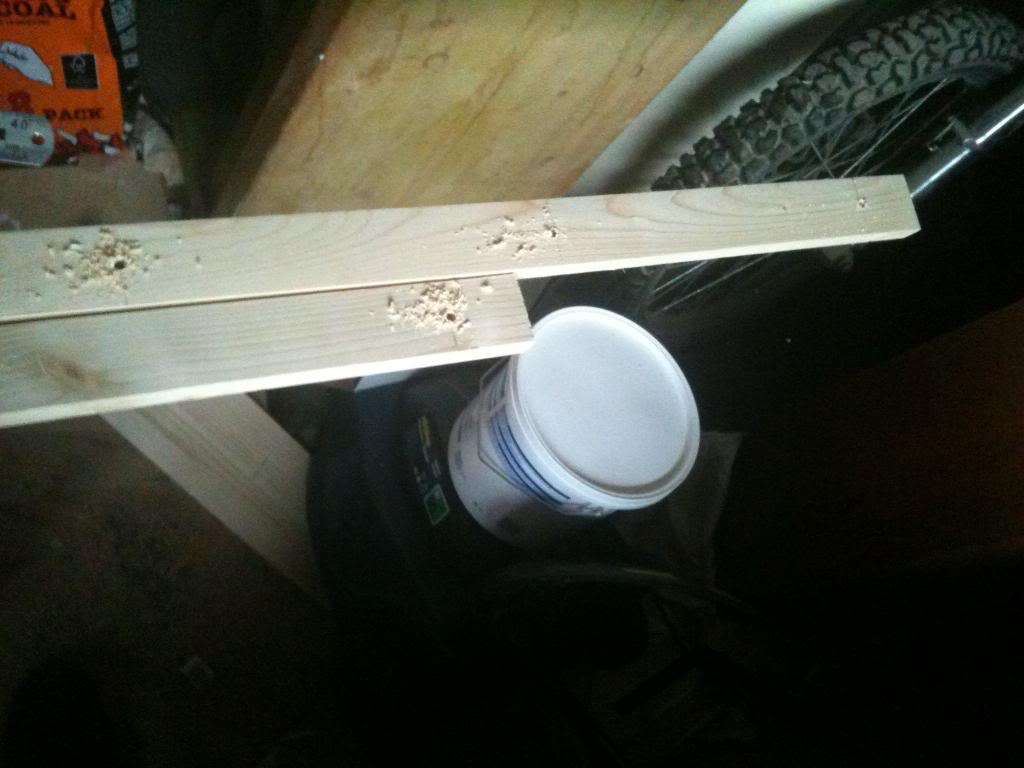
Start by taking a length of baton that is around 6ft in length (72 inches) mark your first rung 11" from the end, then mark at 10" intervals down the length of the wood, making 6 steps on your ladder.

finally using a 5mm drill make pilot holes in the centre of the ladder rails.

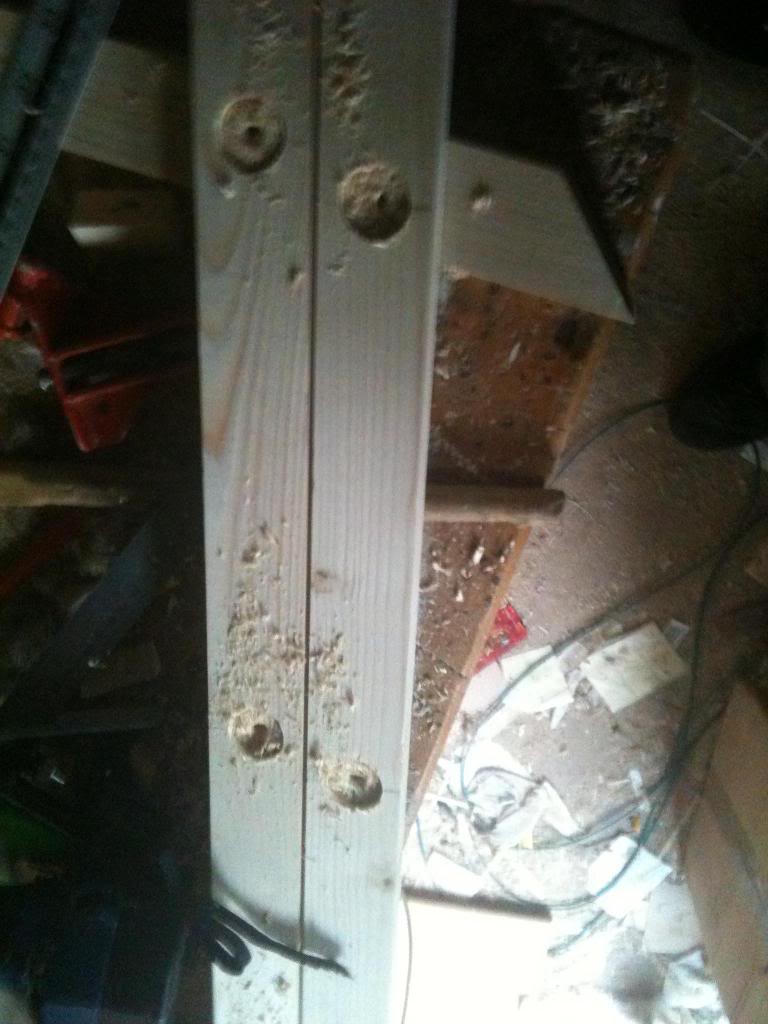
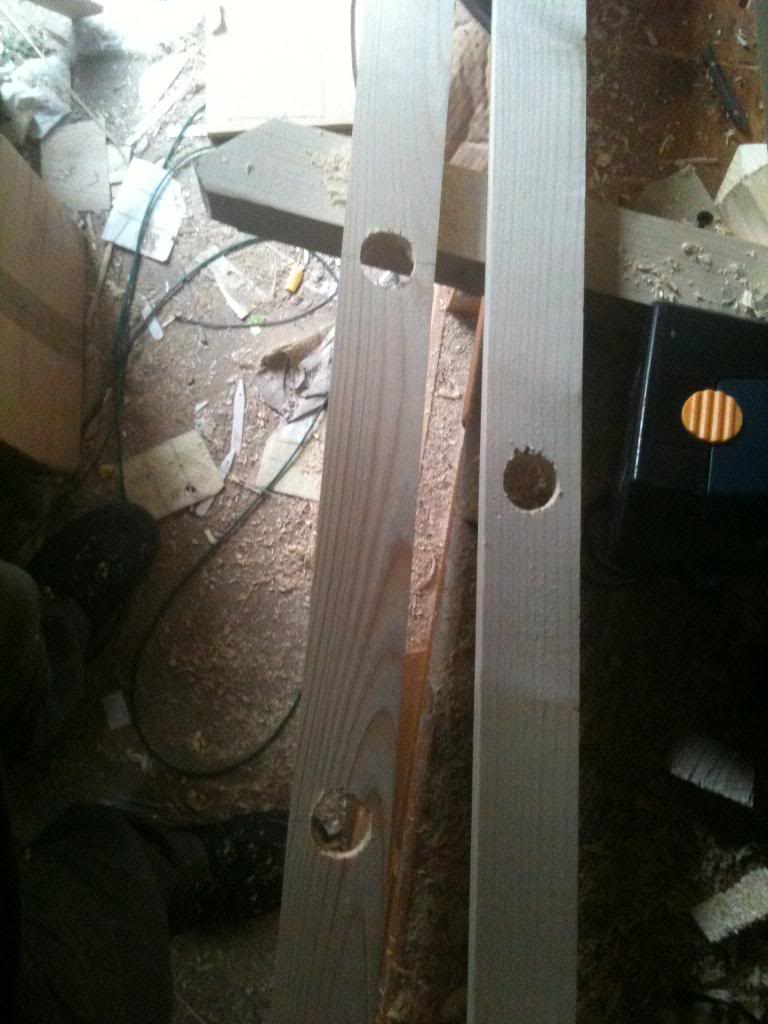
Once your pilot holes have been drilled through the ladder rails, expand the holes with a 25mm flat blade bit, (or auger bit), drill half way through the ladder rail making a cup.


Once you have completed this step turn the rails over and drill from the other side to make the hole go the entire way through the ladder rail. drilling from both sides like this ensures that the outside faces have clean cuts made by the drill bit and that there is minimal splintering.

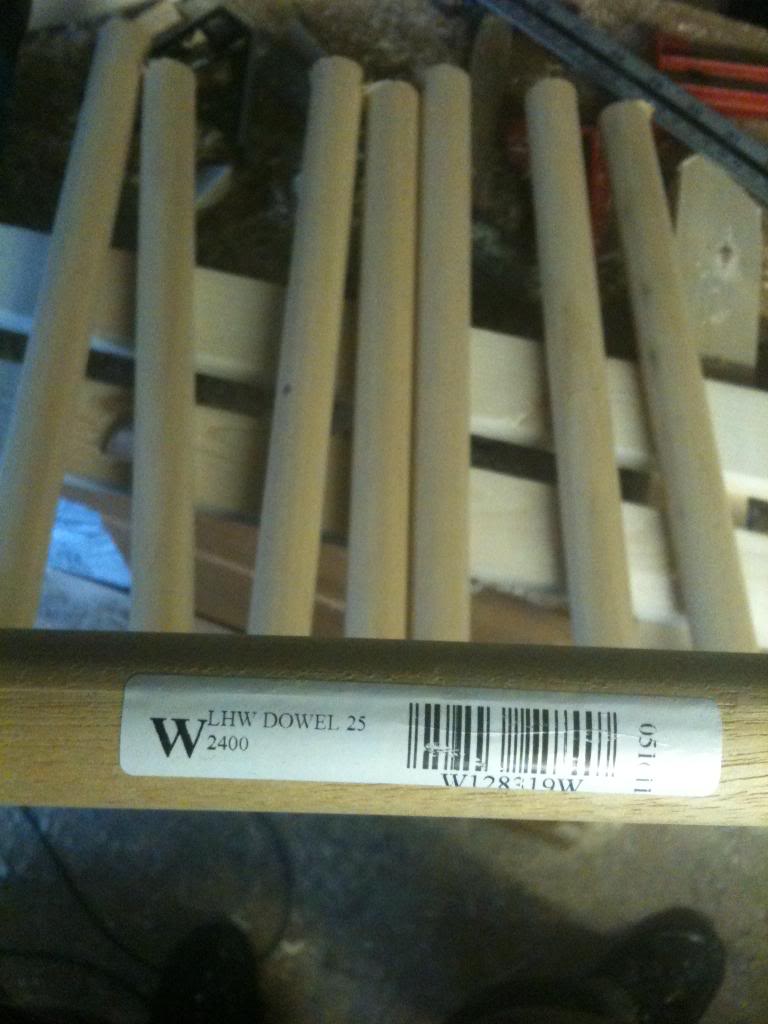
Take a length of 25mm diameter dowel, and cut into lengths as wide as you wish your ladder to be.
 for a rail holding bath towels you may wish to make the ladder wide so that the towels are not scrunched up ,for a ladder made to hold tea towels you may wish to make the ladder narrow so that you don't loose too much kitchen space.

Coat the inside of the holes in the ladder rail with a PVA wood glue, and insert the rungs into the ladder rails.
to help set the distance it can be handy to use a straight length of wood that your rungs will butt against, then a few spacer blocks to hold the rails away from the straight edge.

Wipe excess glue from the ends of the rungs and wait for the glue to dry.

Finishing is optional, but can include
Natuaral finish, (no finish)
Varnish, wax, paint etc. You should chose the finish most appropriate for your needs.


Monday, October 24, 2011

Changing Venetian Blinds

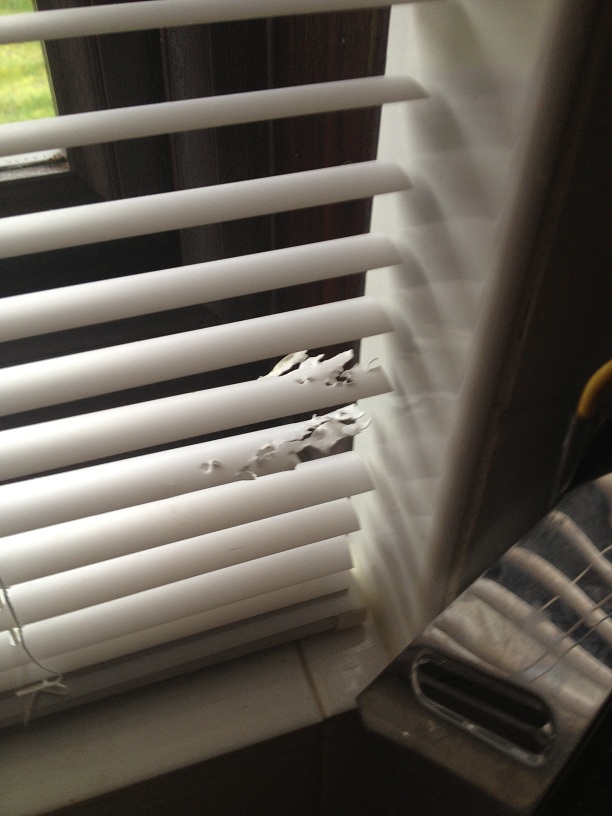
There are many reasons why you may want to change the slatted blinds in your house, perhaps you are re-decorating, changing the scenery, perhaps the old ones have been there a long time, or perhaps, like me, you have cats which are little bastards that chew everything they get near to.

Having chewed a couple of blind slats, the blinds now have to be changed, since I was doing this anyway it seemed only fitting that I should write and post up a small how to do this, there will be plenty of pictures.

Firstly, this is the damaged blind slats.

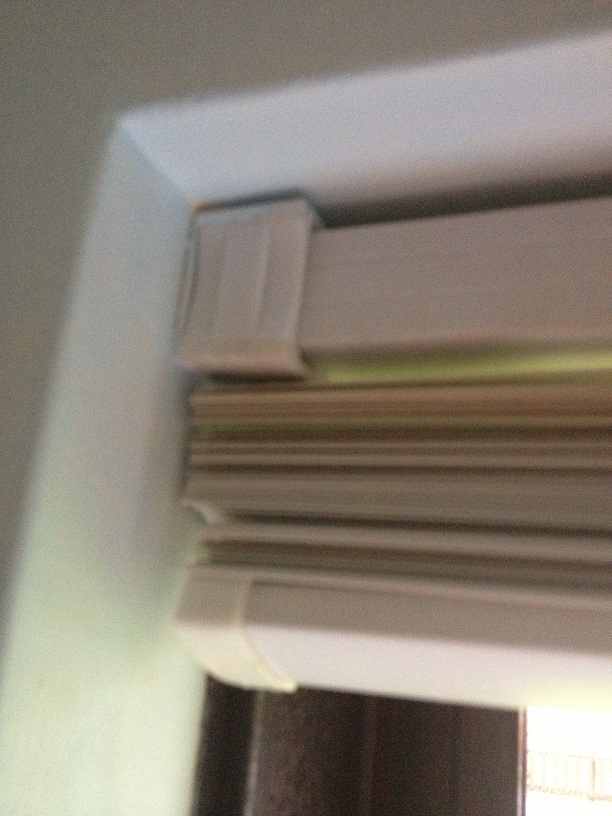
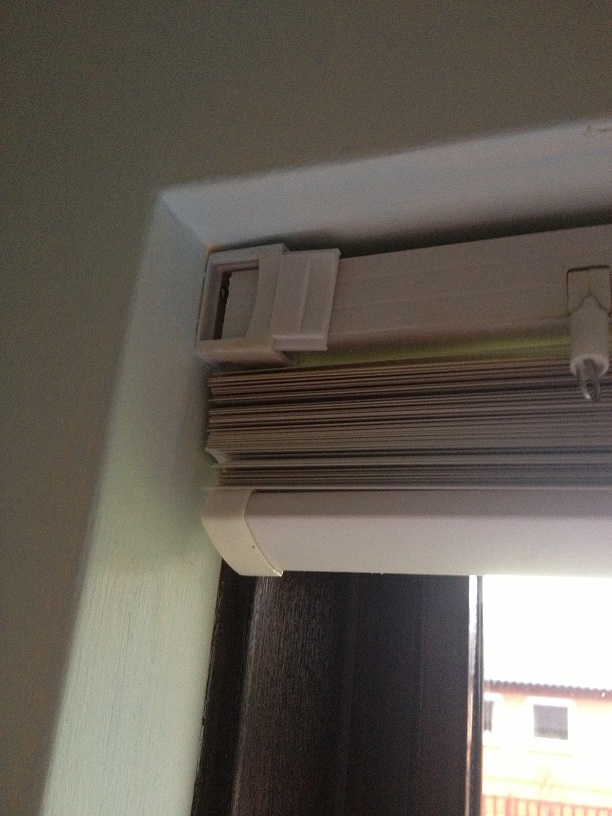
To remove the old blinds look at where the blinds are hung on the wall, these binds, (originally from B&Q) have a small sliding door that you open to be able to remove the top of the blind from it's bracket.

Once the door is opened the blind can be removed from this end, and will come out the other end without the need to remove the door on that side.
When you are buying the replacement blind you are pretty unlikely to find a blind that will fit your window perfectly, (you'd think in a fairly modern house where every house looks like the last, the people who make cookie cutter houses might have talked to the people who make binds and maybe decided on what a good window size was, but apparently that would have been too hard.

So start by measuring the width of the window (left to right) in this case the window measured 115cm you then need to measure the height of the window from top to bottom, this is called the drop and for the blind I'm changing the drop needs to be 103cm
Then you need to go to the shop and buy the closest fitting blind, in my case this was a 110cm wide blind with a drop of 180cm.

Once you've purchased your blinds, you'll then need to go about making them fit.
Making them fit width wise is pretty easy, (but very time consuming.)

I need to shorted my blind by 7cm, this means removing 3.5cm from each side.
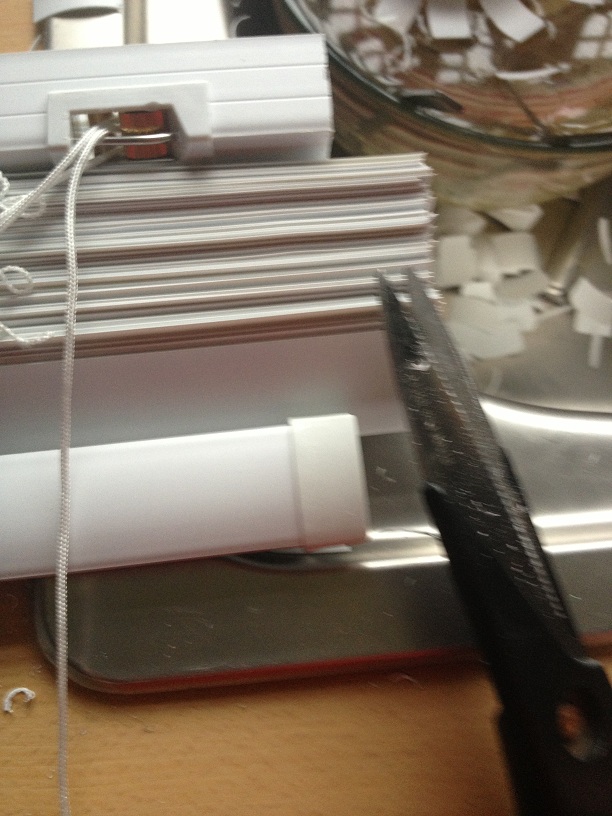
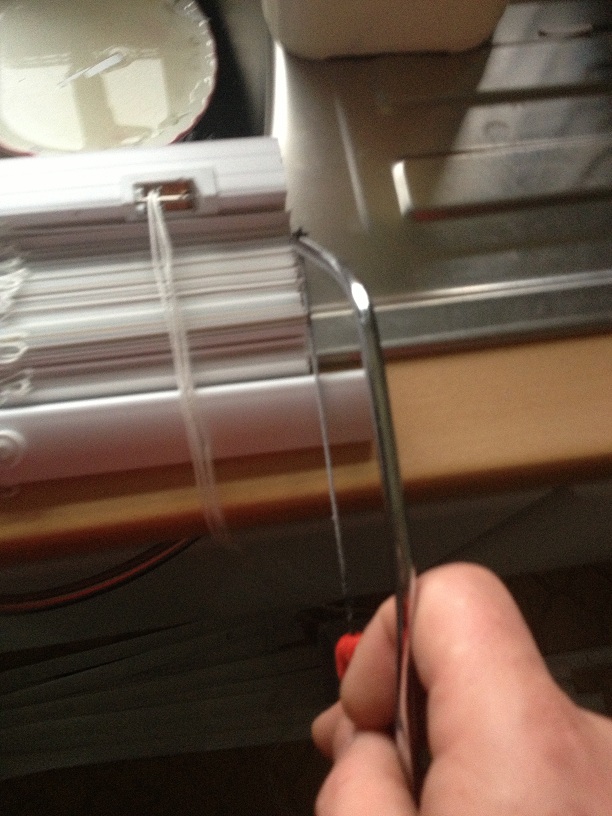
Start by using a small hack saw to cut 3.5cm from each end at the top bracket part that holds the strings, then using scissors, but 3.5cm from each end of each and every slat -I did warm you it was time consuming!!

Once you're done altering the top bracket and the slats, you now need to shorten the bar at the bottom.

To do this you need to remove the plastic end caps -which should pull off, then as before cut 3.5cm from each end with a saw.

now that the blind will fit into the window recess, put the blind into the bracket, and the top and let the blinds go down, the drop of the blinds is still far too great for the window.

chose a slat that's a couple of slats lower than the slat that you think should go at the bottom, (the aim is to have a couple of slats sitting on the bottom bar so that the blind doesn't distort when you change the slat angles.) mark this slat, a big black marker pen will do the trick, or cutting it up with the scissors.

Now take the blind out of the windows and rest it on a large flat surface.
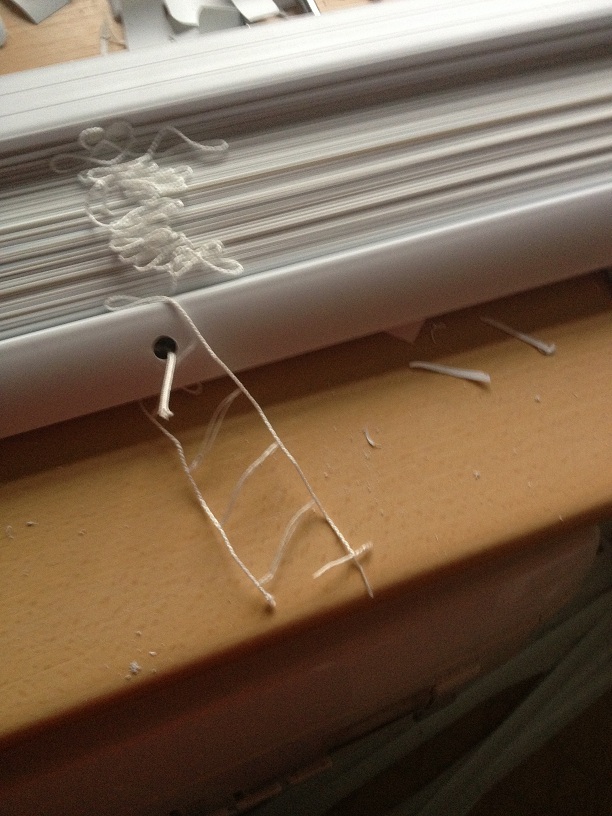
The bottom bar has a series of white plugs in it, these need to be prized out so that you can get the the pull strings for the blind.
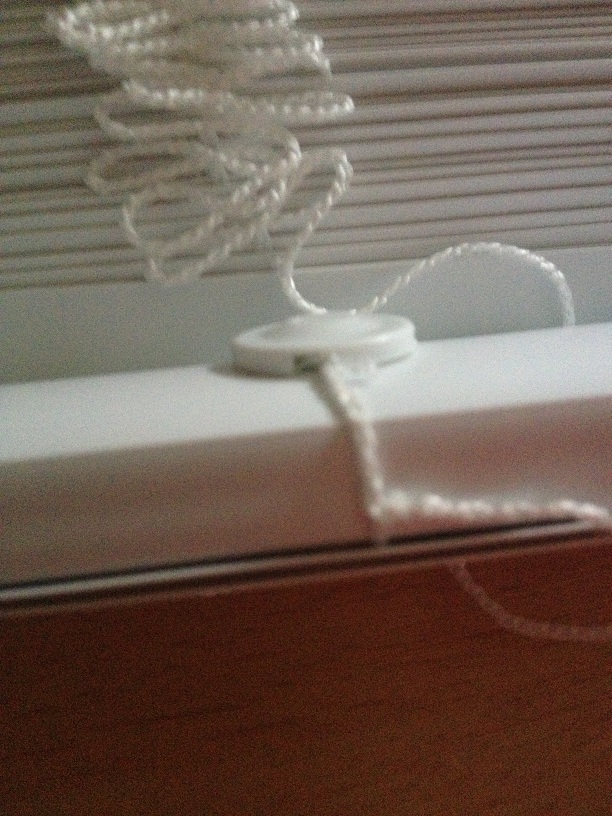
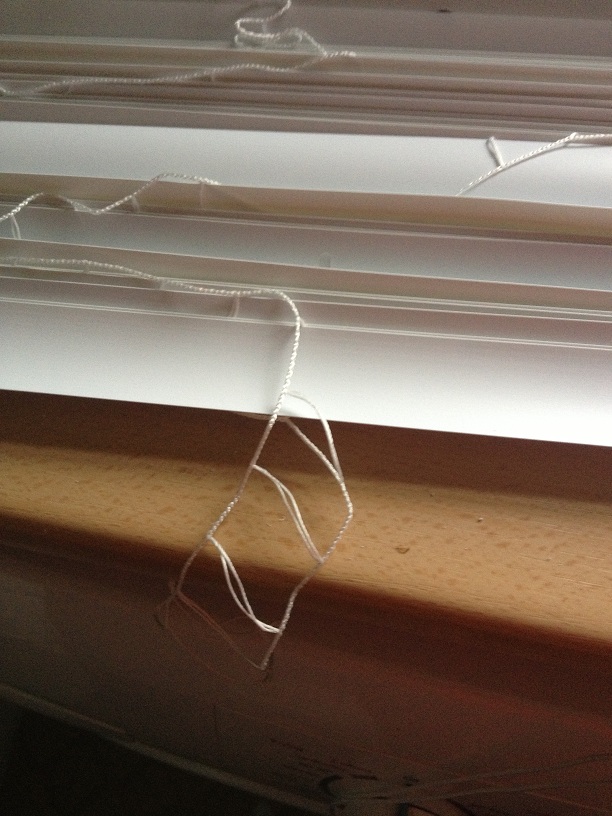
once the clips are out, you should be able to remove the strings the hold up the blinds, which are held into the bar with a small knot. when you undo the knot the pull strings for the blind should come out of the bar.
the bar will now be held in the threaded ladder part of the setup that controls the blinds angle.

you can just slid the bar sideways out of this laddered thread.


Pull the main threads out of the slats, up to the slat that you marked, (clearly do take out the slat that you drew all over!) then pull the slats sideways out of the laddered thread.


now slide the bar into the place on the laddered thread where your marked slat was, and thread the pull strings back into the bar.
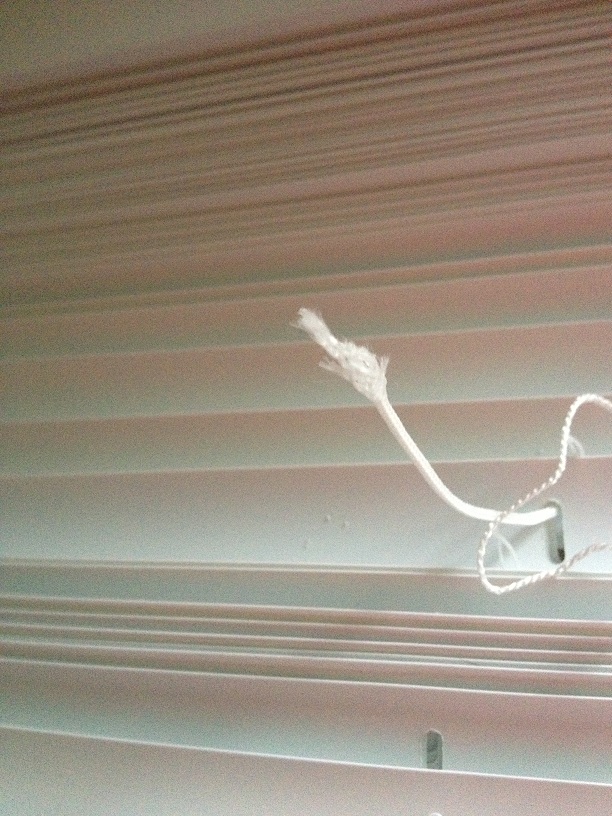
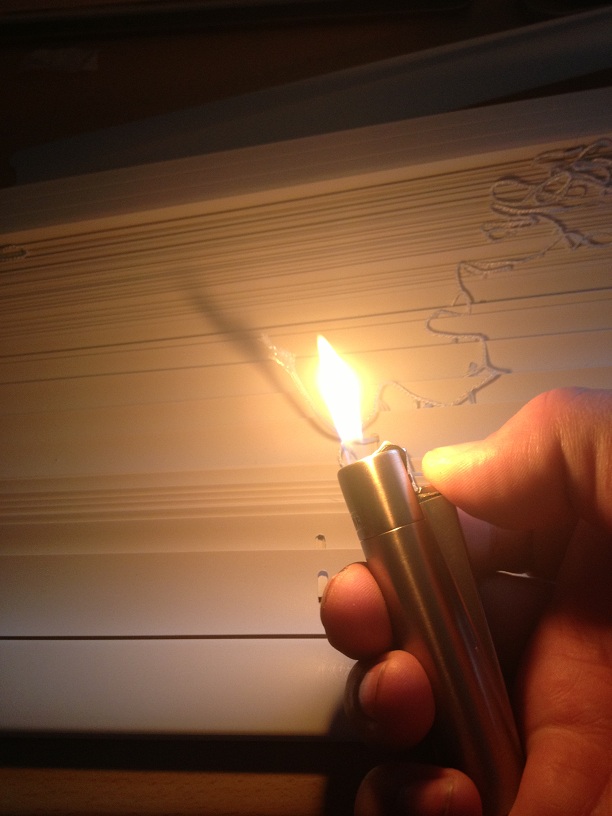
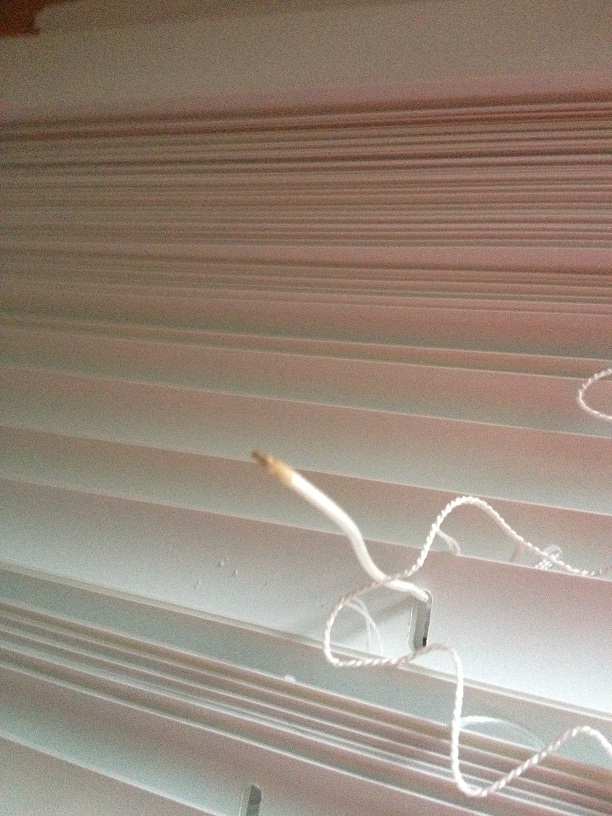
(if you cut the nylon pull strings, then make be frayed now. use a lighter to heat the frayed end of the nylon cord, then whilst it is still warm quickly twist it between your fingers.


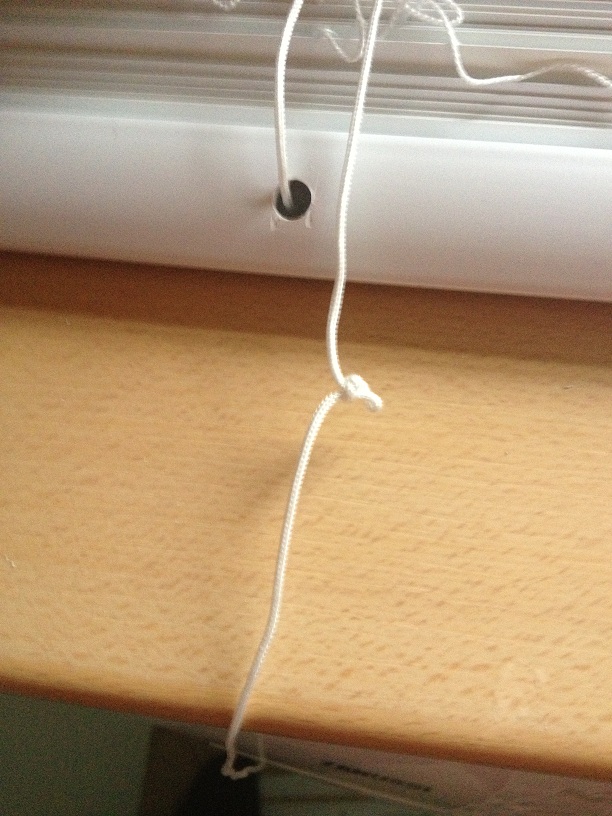
Once you've threaded the draw cord through, you'll need to tie a small knot in the string so that the bar will sit on this and raise/lower with the string.

Then cut off the spare string. and remove all but about three of the laddered thread.

Now you can poke the end of the string into the hole in the bottom of the blind, twist up and poke in the dangling thin ladder threads into this hole also. then pop the small cap back on to hold the threads inside the bar.


Finally hang the blind into the brackets that were already on the wall, and adjust the draw strings as necessary.
(to adjust the draw strings pull the knot from the toggle and tie a new know further up the draw string for the toggle to rest on, and cut away the draw string that is spare.)

Finally, step back and admire your handy work. :)
the blind slats that were removed can be kept for the future in case the cats decide that they would like to have a chew on the blinds again :)