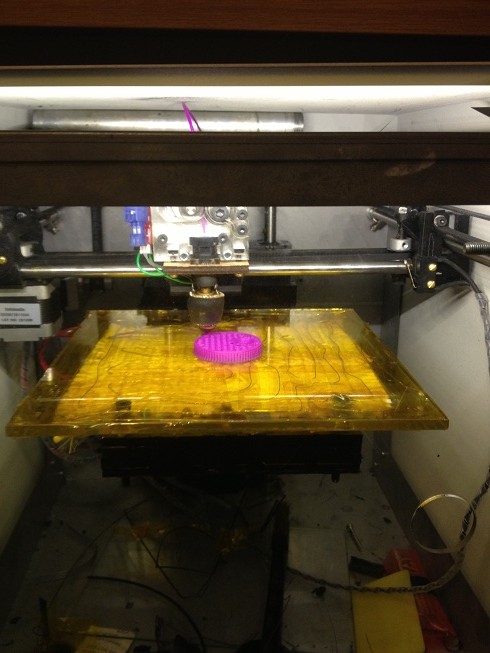
Showing posts with label Craft. Show all posts

Tuesday, February 04, 2014

Space Invaders Table

So... I realise that it's not so much that I'm lazy about doing any projects, I'm just lazy at writing up any thing.

And so it was that I was inspired by the light up coffee table on hackaday http://hackaday.com/2014/02/03/ikea-led-table-mod-doesnt-lack-awesome/ today.

Inspired to write up a project that I'd completed about three years ago.

I'll start by saying that this was not my idea, I was inspired to make the coffee table after seeing a similar table on the make blog, http://makezine.com/2008/11/11/space-invader-coffee-tabl/

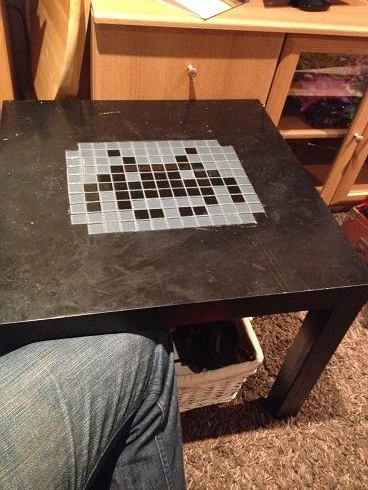
This coffee table uses what look like regular 4 inch tiles (slightly smaller than the average bathroom tile [6 inches]) to create a mosaic table top, Of course old 8 bit pixel sprites lend themselves very well to being made into tables from normal square tiles. it (and every other table of this type I've seen) takes the option to tile the entire table top, all the way to the edges -I decided to inlay my design in the centre.


The tiles I used were tiny in comparison (to the 4" tiles), I used mosaic tile mats, these are 12" square mats that have lots of 1" square tiles stuck to them in a uniform pattern of random colours, Black, white and two shades of grey.

The first step is to remove the tiles from the flexible backing and sort by colour, -the tiles can be just pulled off the backing -or the backing can be peeled off the tiles which is probably the more accurate way to describe the process.

Next you need to get yourself a LACK coffee table from Ikea, one of the little 50cm square ones, I chose to get a back one.

You can choose to assemble the table, or just work on the top on whatever work bench you have.

Start by arranging your tiles in the pattern that you want, you could either look at a reference picture (as I did) or make up your own design. include all the spacing in your tiles that you intend to put between them (grout lines).

Now mark out (using pencil) a square in the middle of the table, -your tile size, and your intended tile spacing will determine tile size -measure your layout! (I used a pack of tile spacers, but with a 3d printer you don't have to use the off the shelf ones -you could print your own, or you could use matchsticks etc...)

When you have your work area marked out start with a large "Stanley knife" (box cutter) and a metal straight edge and score the lines in the table top.
A good tip (unless you're very good with the knife) is to start in the corners working towards the middle, this means that you won't drag the knife on the table top that will be left.

It is unlikely that you will be able to cut through the top in a single pass of the knife.

Once you have cut out your pattern shape you need to pull it out. this will leave a hole in the table, and leave you with your first challenges.

The challenges are:
That the table is not solid, inside the table is a hexagonal arrangement of cardboard. you cannot set the tiles on that cardboard. not the thin air in the hexagonal gaps.
Secondly
That the tiles are going to be around 5mm (1/4") thick, but the table top (hardboard/melamine type material) is much thinner.

To get around this you need to firstly trim down the cardboard (either using the knife of a pair of scissors) -don't worry about being too careful of the height that is left.

Once you're done trimming down the card you need a can of expanding foam insulation.
carefully squeeze a portion of foam (don't fill because it expands) into each of the hexagonal pockets.
the foam will expand to fill the pockets and slightly dome out of the top of them.

Now using a large flat serrated knife (bread knife) cut the foam so that it's about twice the width of a tile under the surface of the table top.

Spread tile adhesive in a layer on top of the foam. and using the plastic tile spacers, ensure that the gaps remain consistent. push the tiles into the adhesive such that the tops of the tiles are level with the table top.

Now leave the table another day or two for the adhesive to properly dry.
finally fill in the gaps (grout lines) between the tiles with tile grout.

The table I used was a black Lack table. cost £5
The tiles I used were two packs of kitchen/bathroom mosaic tiles (cost £2 each) -and I have plenty left.
Expanding foam I used cost £2 per can, only a small can is needed (whilst there is some left, foam sets in the nozzle making the can useless unless you clean it directly after use)
the tile grout I used was a grey glitter grout.

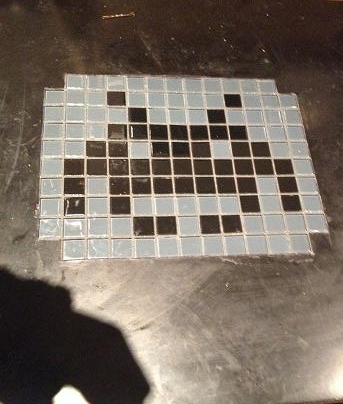
The final results are here:


Monday, May 13, 2013

Mass production, tooling, strategies and budgeting.

This blog could be titled, How to get it wrong.

I'll start with the story, then I'll point out the failings.

A few weeks ago I made a new heater for my solidoodle 3d printer, I was quite happy with the results, despite having broken a drill bit in my heater block, I got around that, and I decided that was my fault, I clearly wasn't drilling the hole straight, it was a small drill bit, and they often break anyway...

When I bought the aluminium bar to make the hot end I had decided that I would probably want to make something else anyway, so I got a 2 meter length.

After making that first hot end I decided that I was going to make and sell a whole load.
I had enough aluminium bar, I had bought a hundred heaters at the start of the project, (knowing that I could sell the heater elements on their own!)

So I started cutting up that long bar of aluminium into 100 small pieces.
by about the 3rd piece I gave up and went to ebay and bought a small hobby band saw. -this worked great for cutting the aluminium, right up until the blade broke -though this had come with the saw, (which only cost £30), and had made 99 cuts, -failing on the last)

After this I got my set square and scribe and marked out where I needed to drill holes on all 100 blocks that I had cut. then I centre punched them. -this is time consuming, that was 600 holes that I marked!

After this was done I decided that I'd start drilling, rather than drilling by hand I decided that I'd use my fathers pillar drill, a Draper tool, I dutifully loaded the drill bit into the chuck, and set about drilling holes, I started by drilling 2.5mm hole through all of the holes I'd marked, a lot of the holes needed to be 2.5mm, others would benefit from a pilot hole being drilled anyway.

However I found that on the point where the hole for holing the thermistor met the hole for the screw securing the thermistor, the drill bit would catch and break. this was the same problem I'd had with the hand drill, but now I was getting this with a machine drill, one that was square, level and had no lateral forces, clearly there was a problem with the way that the cut was being made, swarf from the hole was catching and causing the bits to break at an alarming rate.

Eventually I managed to get a few holes drilled carefully that did meet, (afterwards I bought some 2.5mm end mills that I would use in the drill to make these holes meet more successfully!

At the end of the time I had set aside that day I had 11 pieces half made, I had the holes for the thermistor set-up drilled successfully, and the long hole through the block pilot drilled. at this point I'd been at it around two hours, and decided that was enough... -and besides the drill had gotten quite warm and I thought it could use a rest!

One morning the following week I decided that I'd continue my project. however within ten minutes of starting the drill the motor had caught fire.

In the end I took the pieces home and finished the first batch with a hand drill.

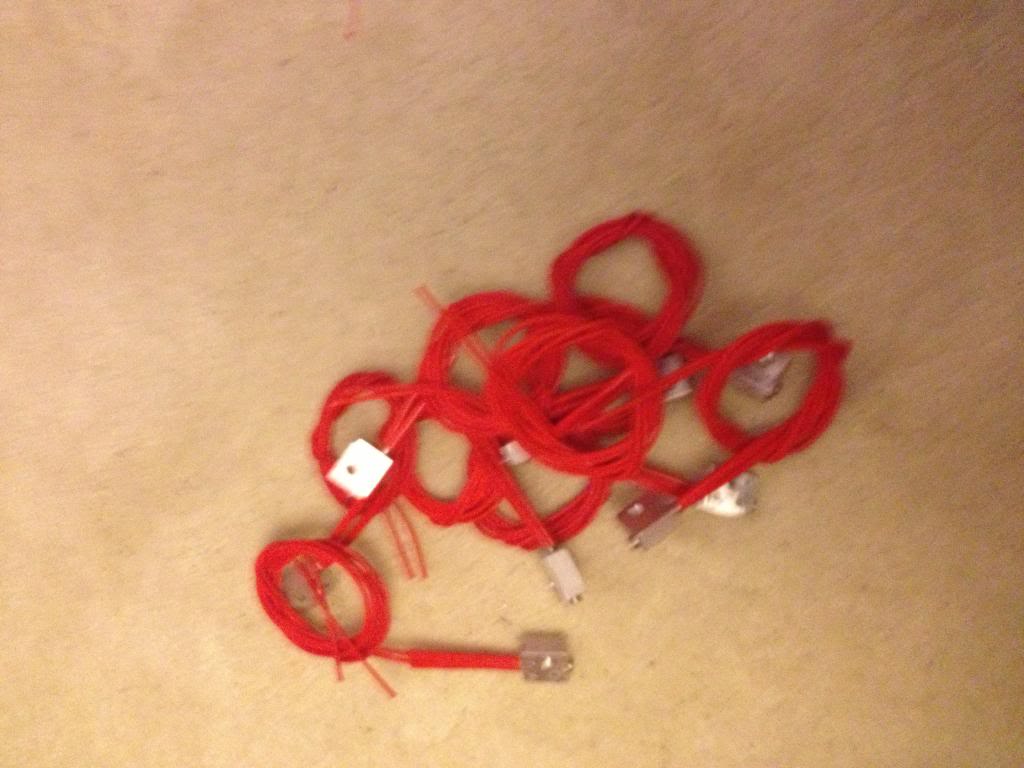
I tapped them and installed the heater elements.

As it's a new month I've been paid and gotten some more money to spend on this project I've now ordered the thermistors, wire and heat shrink to finish these heaters up.


So... let's look at where I went wrong.
First, I'm hoping to sell these for around £12 - £14, this is in line with what others have sold for on Ebay.

the heaters were £130 + £15 import VAT for 100
Aluminium bar was £10
Thermistors are£70 for 100
heat shrink is £5 for the 6m of 1mm heat shrink I need
and £3 for the 5m of 3mm heat shrink I need.
wire is around £2 for 10 meters, (and I need 200meters) so £40
the grub screws cost around £15

So a quick sum up looks like I'm nearly £250 in the hole with materials.

Postage on each item is expected to be around £1. (so that's another £100)
Ebay will take ~£2 per item, (£200)
and pay pal will also want their 10% (£1.40 per item, times 100 = £140)

so that'll be around £700 of costs.
I'm hoping to sell these for a total of £1400

but here's where the problem starts....

now take roughly 25% of that away in taxation and national insurance that I'll need to declare. that's £175, leaving £525

Trying to do this cheaply has meant that I broke around £5 of drill bits whilst trying to make the blocks, and that £10 saw blade for the band saw.
(leaving £510)
I'd busted my dads pillar drill, because it's a hobby tool, not an industrial tool, it's meant to spend about 30 seconds being on, then have ten minutes to cool down, now spend nearly three hours in constant use, so that it over heats, and breaks down the insulation, (and then catches fire)
a complete replacement is around £300, second hand maybe £150, or a new motor will be around £100
My "profit" is now a pretty shabby £400...
then I spend a couple of hours cutting up the aluminium bar, a few more hours in front of the drill, a couple of hours sourcing materials, I'll conservatively spend probably 15 minutes per item with listing on ebay, talking to buyers, packaging and going to the post office to actually post the things.
(that's 1500 minutes, or about 30 more hours). I spend around an hour designing the thing in the first place.

Based on the initial ten I have that's 6 hours of machining and making,
So that 100 will be about 60 hours of machining, plus 30 hours of listing and posting.

So that £400 I've got remaining will need to pay for about 100 hours work. about 2/3rds minimum wage.

in other words.
I started out thinking, cool, the parts for this will make me loads of money, I'll spend about £2.50 on an item that I can sell for £14.

But,
using hobby tools has increased costs due to breakages.
Using hobby tools has meant that I can't work for more than an hour at a time without significant machine downtime to cool off, increasing the amount of time take to produce parts.
Funding this venture myself has meant that I've had to wait until pay day to get more funding. - I could have taken this to a kikstart project, but them I'd have 100 angry customers breathing down my neck saying that my lack of planning or prep wasn't their fault, and where is their money etc.


The long and the short of it is:
before you decide that you want to give up your day job and live the dream of running a tech startup. do your sums first. be realistic.
I was wishfully thinking that I might get around £700 for what would be an easy day stood at a band saw and a drill. -actually I was thinking I could use an ordinary hack saw to do this work!

What I though would be around £100 per hour I'll retired a millionaire next week, has actually resulted in being a drain on time and resources. Maybe with a few thousand pounds of investment for industrial tooling I'd do better -but I doubt that also!

Monday, January 21, 2013

Making a coat stand for a child

So I thought it was about time I finally wrote up the build of a coat stand that I made, (about 2 years ago).

The idea for this coat stand was sent to me by my friend who said I should make one for my daughter. I forget the exact link to the inspiration, but I do remember it was on Ana Whites website called "Knock off Wood, free woodworking plans for furniture http://ana-white.com/"

If you have a few days you should definitely check out that site, it's chock full of amazing furniture, includes plans.

You don't have to follow the plans, you can be like me and decide to make your own plans up in your head to build approximate versions of stuff on the site.

Anyway, now that I've covered where the idea came from it seems only right to give a little background.

Design
At the time I made this coat stand my daughter was about 3, she was getting to an age when you should care about your stuff, and start hanging up your coat etc, but not yet at an age where she could reach regular height coat hooks.

So the solution was obviously to build her a coat stand more suited for her.

This means that it should have pegs reachable by a 3 year old who stands about 3 feet tall, (so the height of the stand is about 4 feet, so she'd have to reach up at the start, but would not immediatly outgrown the stand.

I decided that the coat stand would need four pegs that would be at her current arm height that she could hand coats on, and a further 4 hat stand type pegs, to put hats on of course. As she grew the hat stand pegs would eventually become coat pegs.

So the parameters for design are:

four coat pegs, at about 3 feet from the ground, four hat pegs about 1 foot above the coat pegs, a stable base is a must.


Materials,
I decided that I'd use softwood to make this coat stand, it's easy to work with, and has a variety of finishing options from plain no finish, or varnish, to any colour as it's easy to paint.

The pegs I decided would be made of dowel. (12mm dowel so that they would not easily snap)

To build with nice proportions of 12mm diameter dowel pegs I decided that 48mm square pine was the best wood to use.


Onto the build
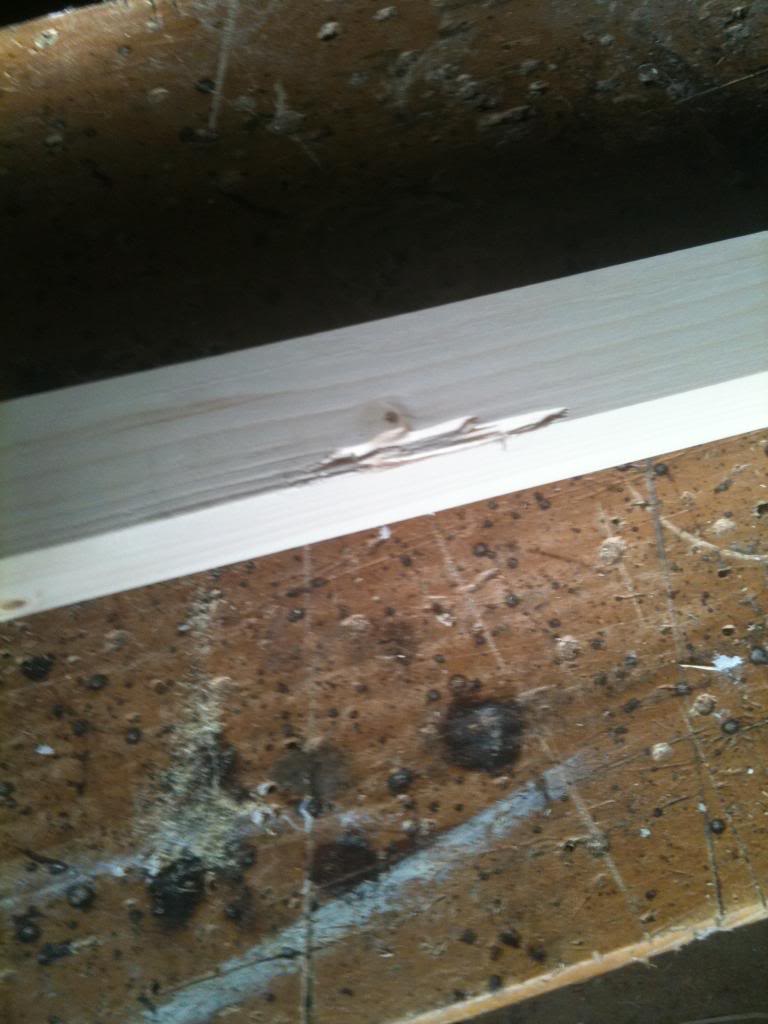
So the biggest gripe I had with the materials was the condition that it was in. I bought square planed timber from Wickes, this should be ready to go. if I'd bought rough sawn wood I'd agree that imperfections were ok.

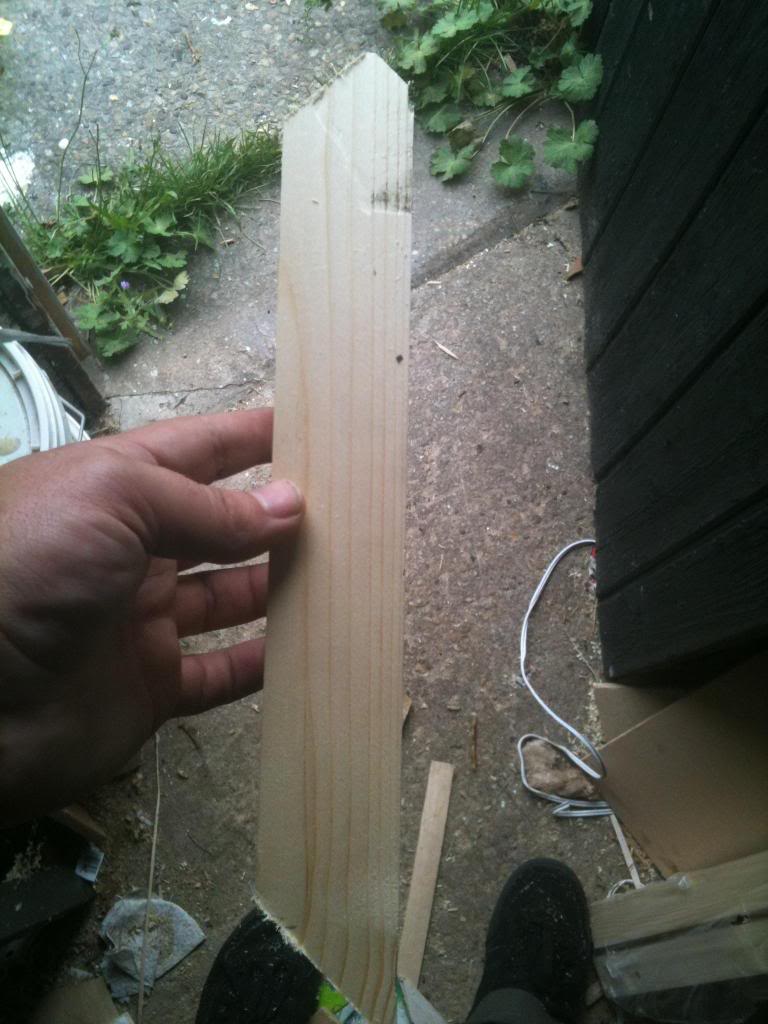
So the first job was to inspect your materials and work out what I could do to cut out imperfections. like this:

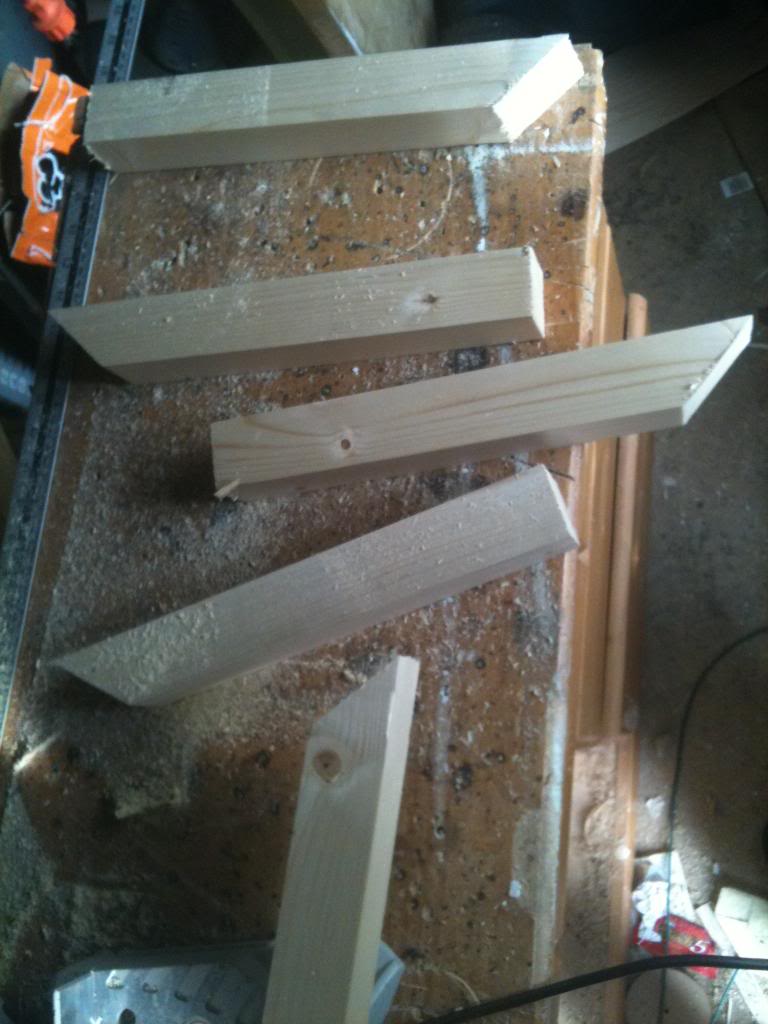
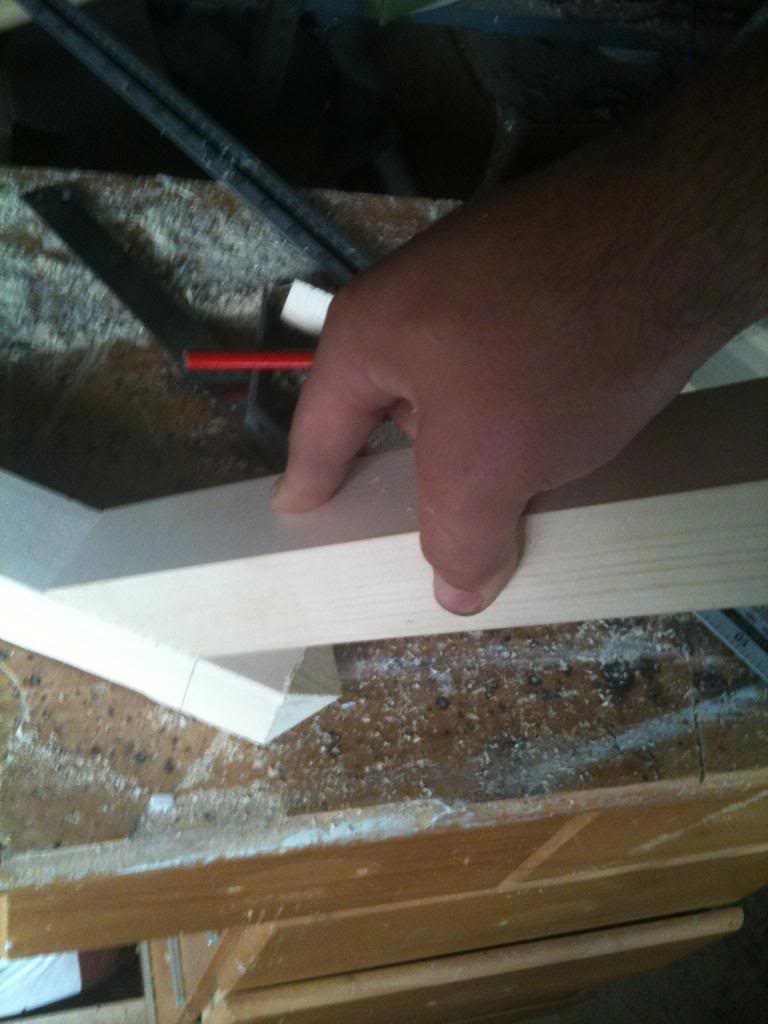
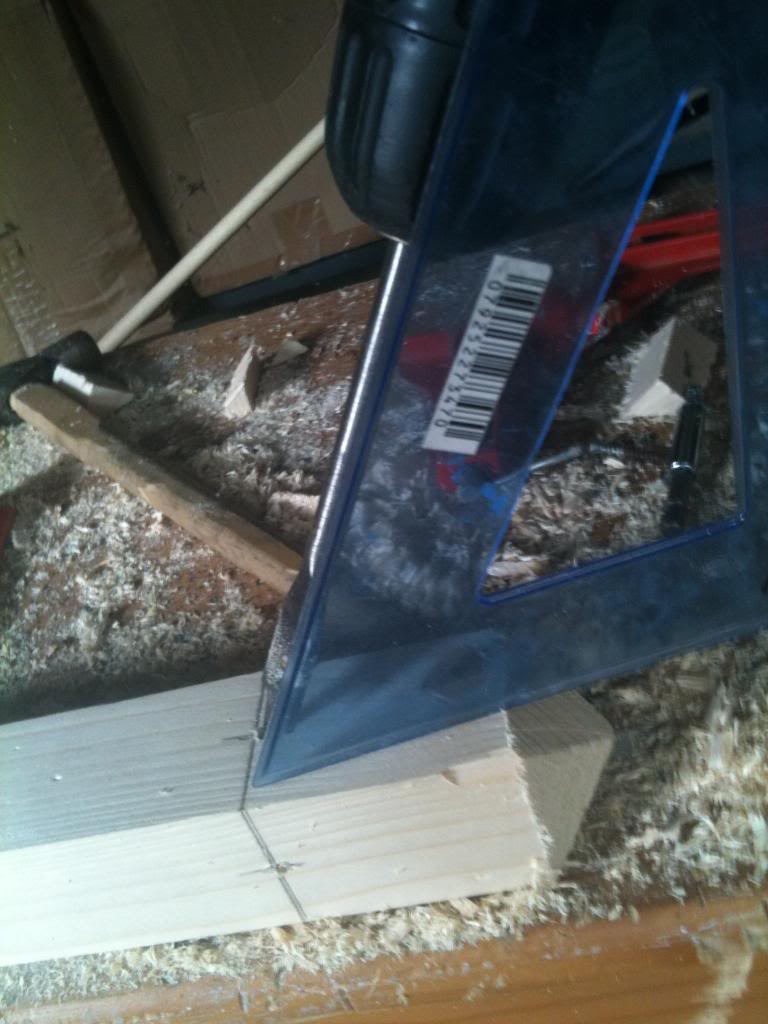
Once I'd decided the best cuts for the wood (and there is no exact science for this that I'm aware of) I started cutting, setting the blade of my saw to 45 degrees I made a cut around 14 inches down the length of the wood.
then set the blade back to 90 degrees to make the next cut again about 14 inches down the length of wood.
This will gave me two bits of wood, with one square cut end, and the other end cut at 45 degrees.

Repeating the above gave me four of these. these will be the legs of the coat stand.


Next I made a 45 degree cut in the remaining (approximately 1 meter) length of wood.
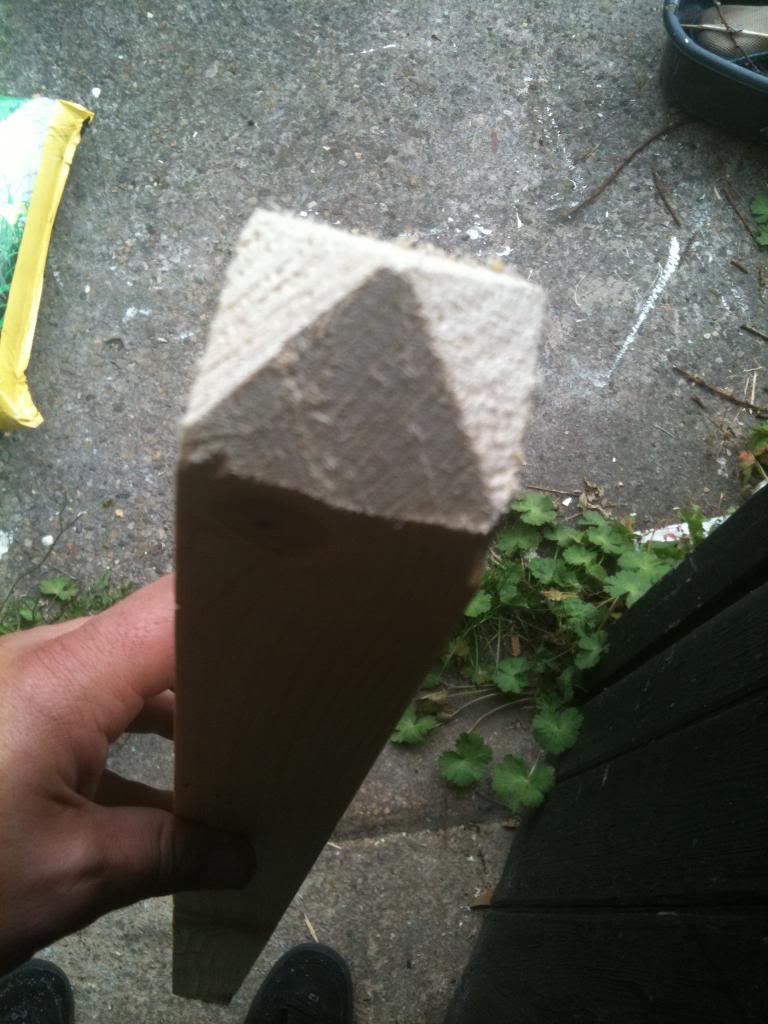
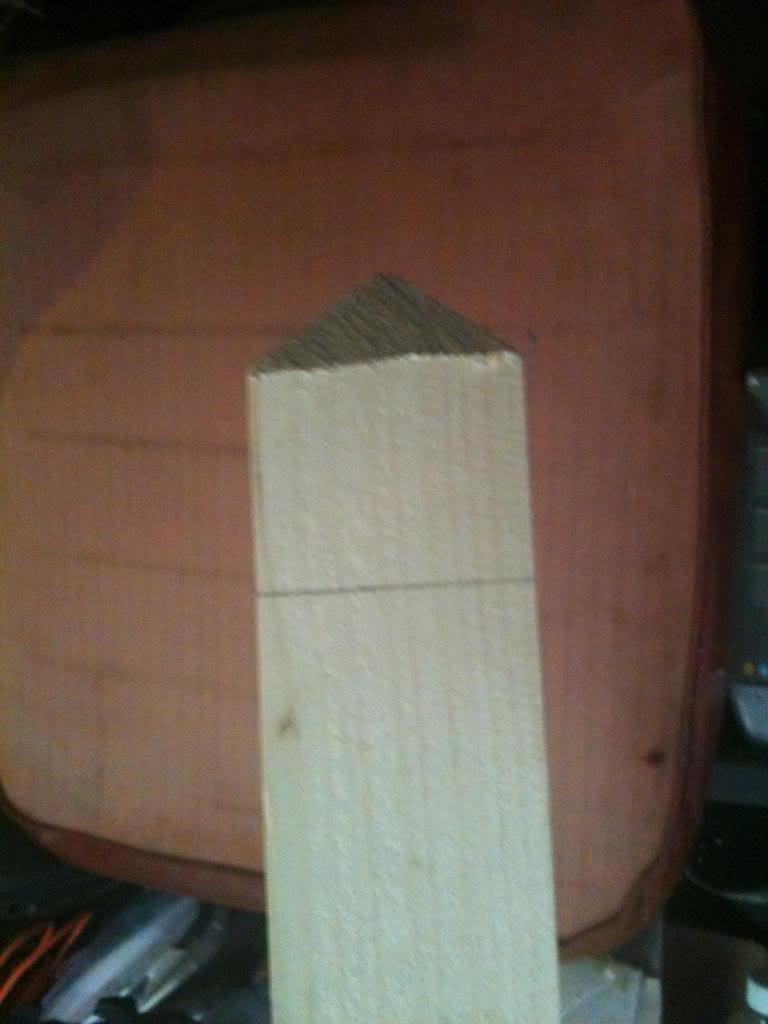
Then flipped it over and made another 45 degree cut, then 2 more cuts and I had a square point.

I did this at the top and the bottom


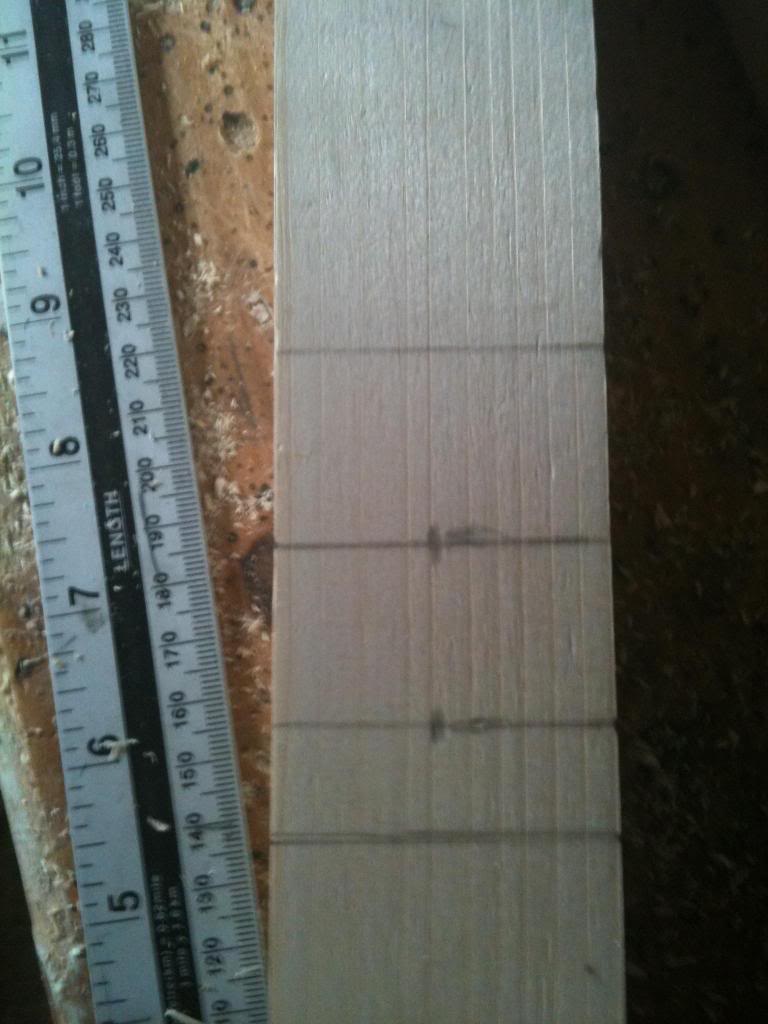
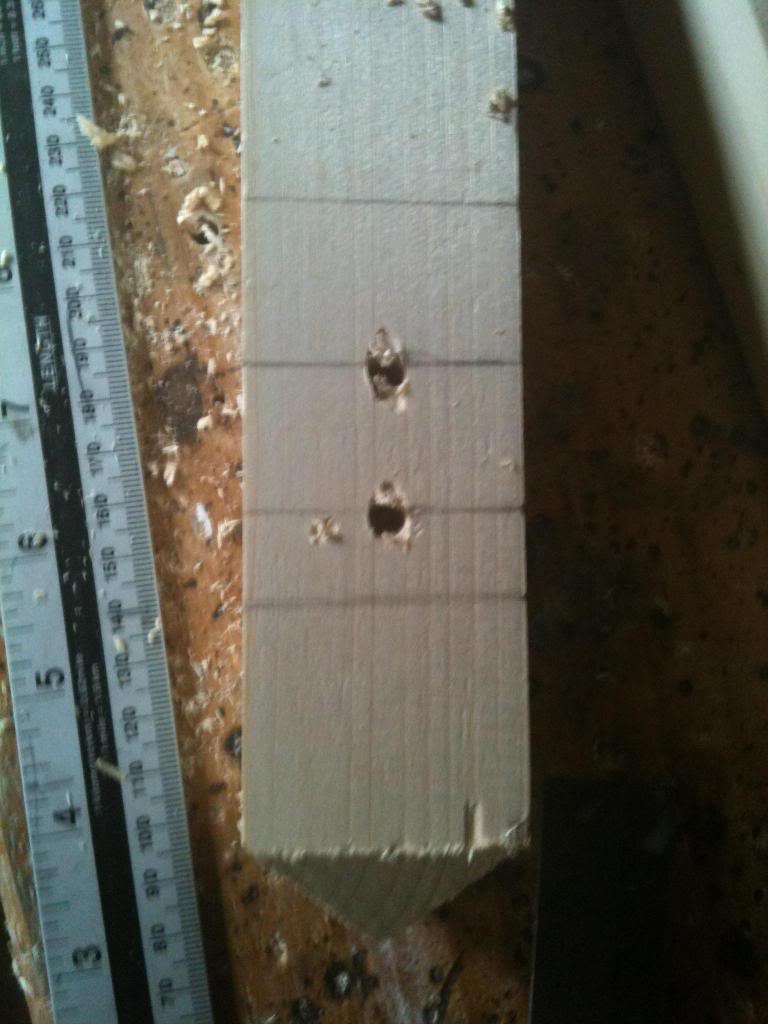
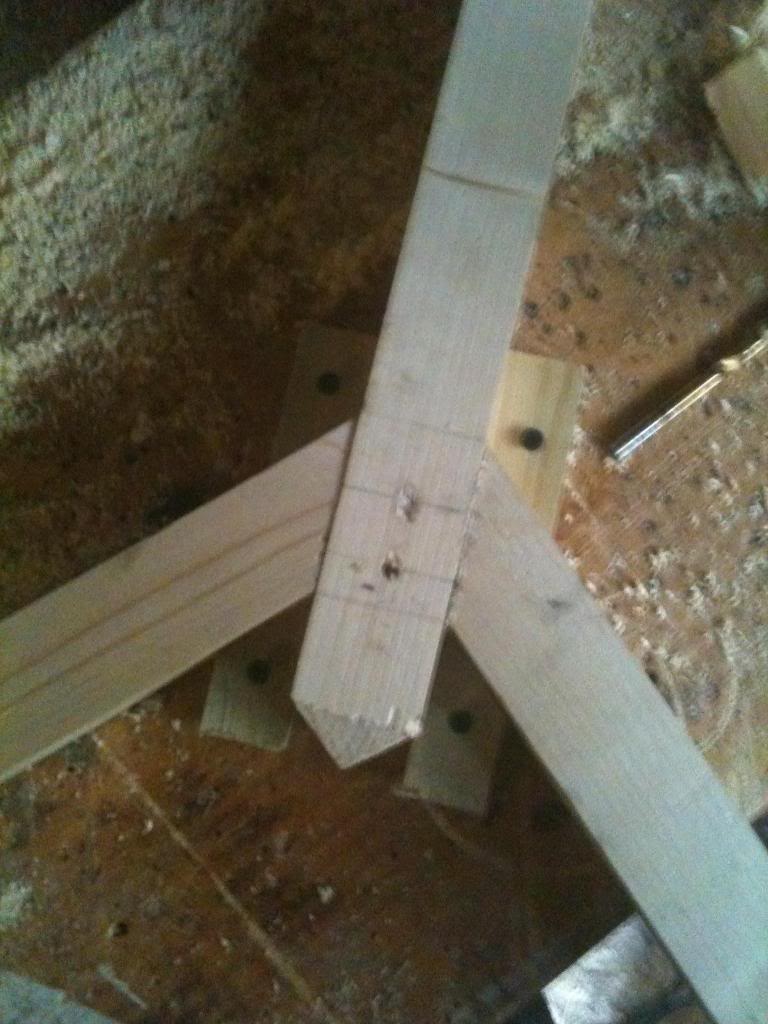
Next I marked a ring about 1.5 inches from the bottom of the base of the point, this is where the legs will attach.


And a further ring about a half inch above that, (and another about an inch after that)


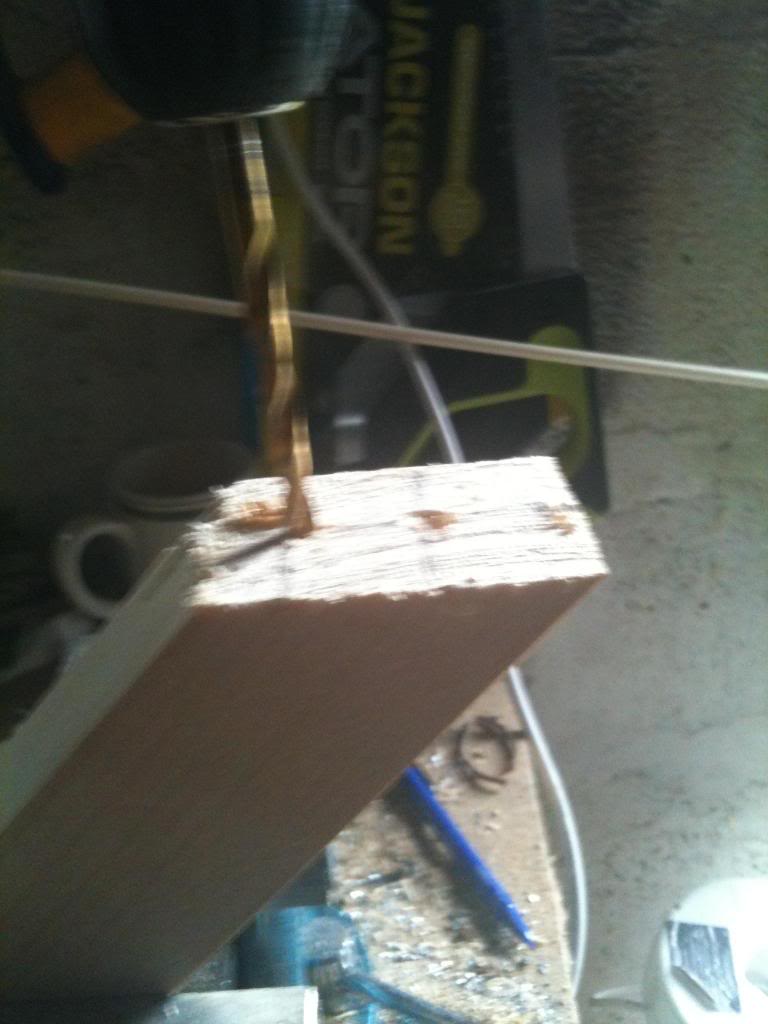
The centre of these lines are drilled with a 6mm drill bit, (ready to recieve a dowel peg to make a strong joint)


 Back to the legs.

Clearly the 45 degree cut is what will butt against the centre poll that I've been busy marking and drilling and making pointy.

But the legs do need some further work, and the moment the base will be the corner of the block of wood.

so I set my saw back to 45 degrees and cut an angle in the opposing direction to the mitre that will face the centre poll, then I cut again to smooth off the top of the leg.


I now marked and drilled the long mitred face of the leg, to recieve dowel pegs and glue.


Now I did a dry test of matching the joints (A dry test is where you put it all together without glue, this allows you to make any final adjustments before it's too late!!)


Finally I put dowel pegs and glue on the joint.
I set the first two joints against a table using wooden blocks screwed to the top to clamp it in position.
The final two legs were arranged with the blocks clamped to the centre stand, then the leg clamped to the blocks, (allowing the odd angled leg to be clamped to the stand)


Finally I drilled 12mm holes in the stand at about 4 feet from the floor. a hole going straight through, and another hole about an inch higher going through the other way.

Then I glued an 8 inch length of dowel into the holes, (with 3" sticking out of either side")

The hat pegs were drilled into the top of the stand, (about an inch and a half from the top, so the pegs are about as far along the centre poll as the legs are up it).

I don't have a drill press with a moveable table so I used a set square, and roughly lined the drill up to drill coat pegs at an angle into the top of the stand.


Lengths of 12mm dowel we then glued into these holes.

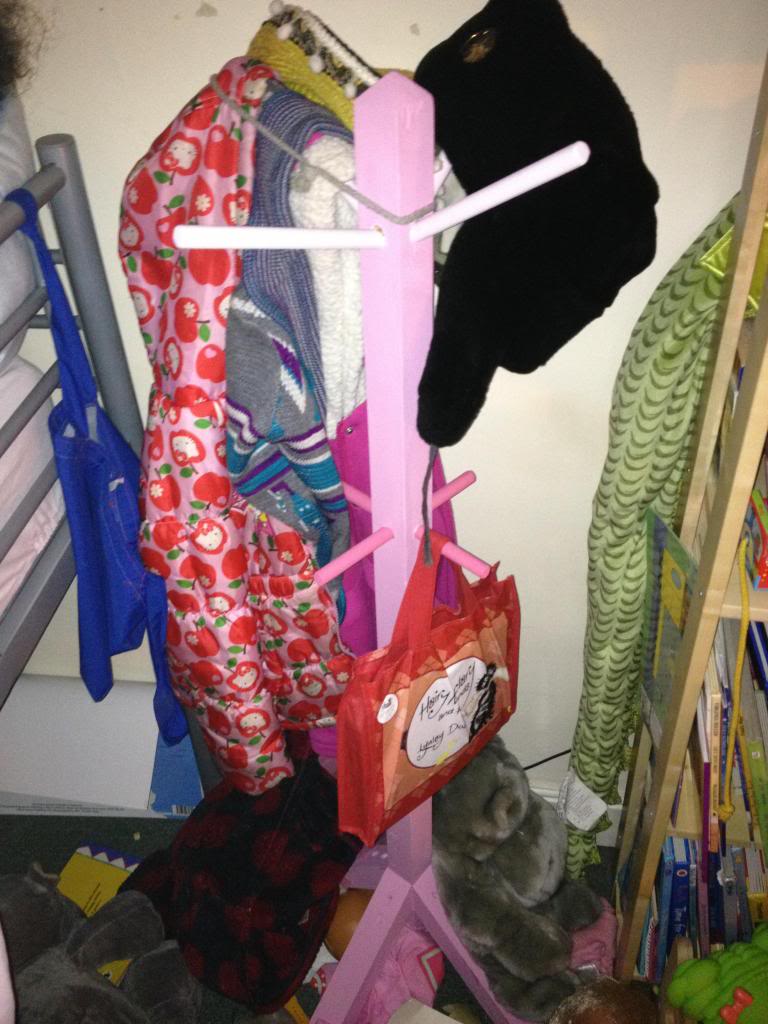
Finally the coat stand was painted a pastle pink colour.


Monday, December 31, 2012

Making door signs with a 3d printer.

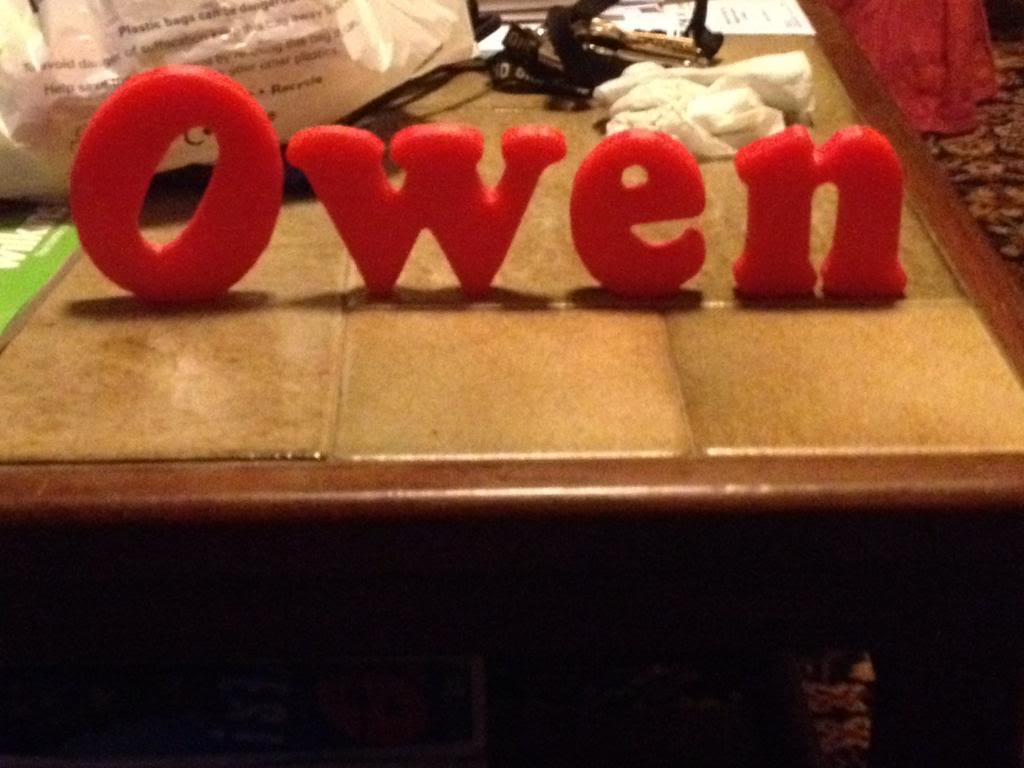
This was a little bit of fun to give my nephew something nice for Christmas. I thought that it might be nice if he got a nice sign for his bedroom door with his name on it.

Rather than go out to the garage and get busy with the jigsaw/sandpaper and paint like I once would have I decided that I'd have a go at printing some letters that could be stuck to a door.

So this is a step by step guide on how to create letters and a door sign, from design to creation.

Modeling
First you're going to need 3d modelling software, this blog post will explain how to use the Creo elements software since that's pretty good and free.

Open the package, as before you see your work plane and nothing else,
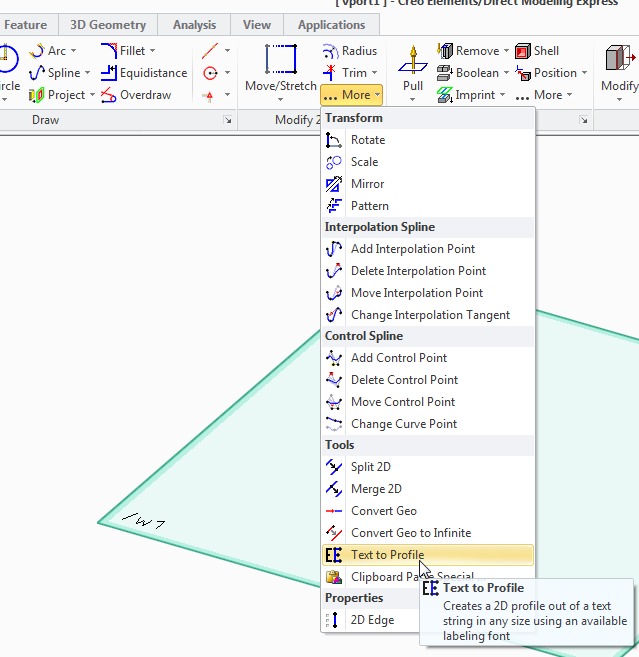
in the 2d toolbox click on the more button, and then select "text to profile" tool.

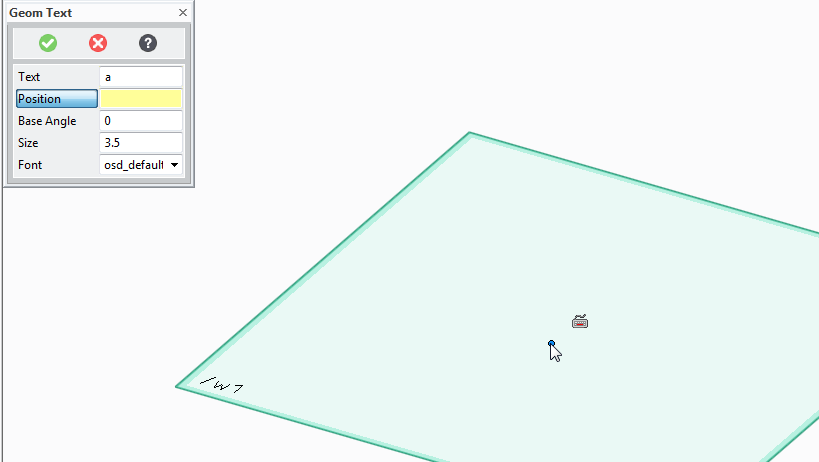
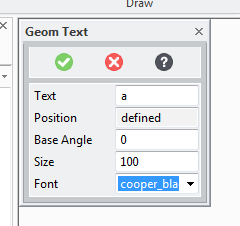
A box will now appear where you can enter the letters that you want to print.


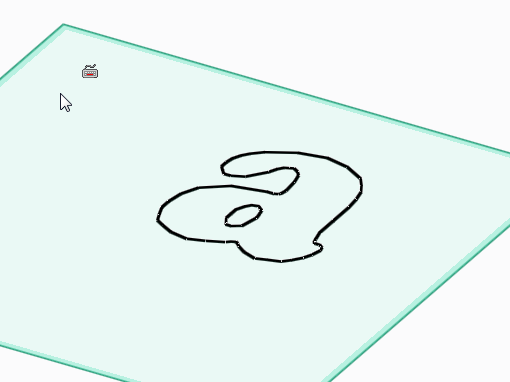
As an example I've put the letter a
Now you press the position button and select where in the work plane you want the letters to appear.
(click somewhere in the middle)

Now you need to define the angle that the letters will be at (zero is probably fine!) the size, -I want them large for sign so I choose 100, and the font.

I've chosen cooper black as the font. it's not the worlds fanciest font, but it is pretty good for printing, there are no weird angles etc no parts that will end up impossibly thin or unprintable.

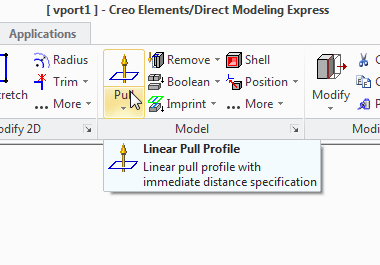
Once the letter is on the page we're going to need to give it some depth.

So use the pull tool:


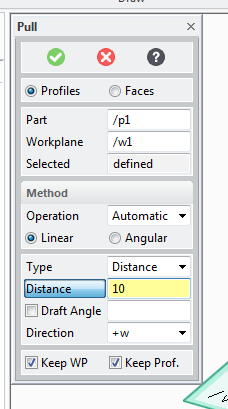
And select the pull width to decide how fat you want the letters to be:


Now delete the work plane ans select save.

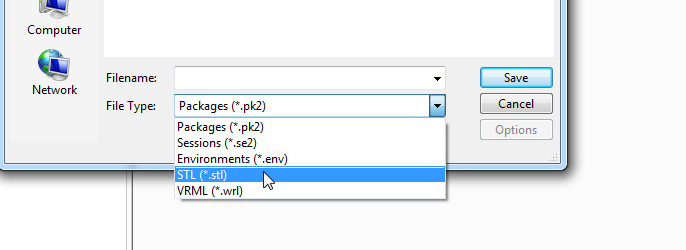
change the file type to STL


Now select to save All Objects using the button at the top, (that's only part 1)


type a file name and press save.

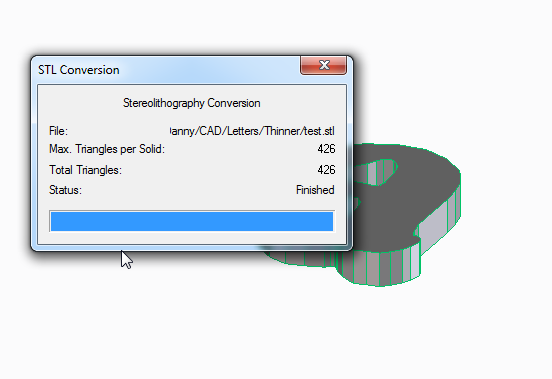
You can close the STL conversion box that appears.

Slicing
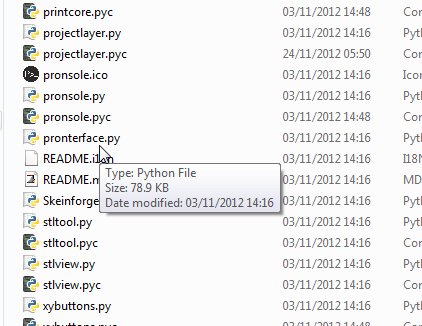
Now launch pronterface by running the pronterface.py file

you now need to access the model slicer.
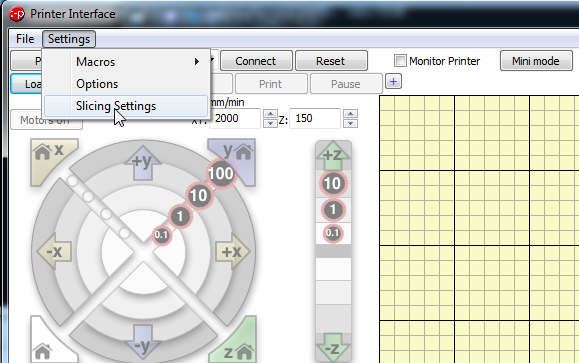
select settings, slicing settings

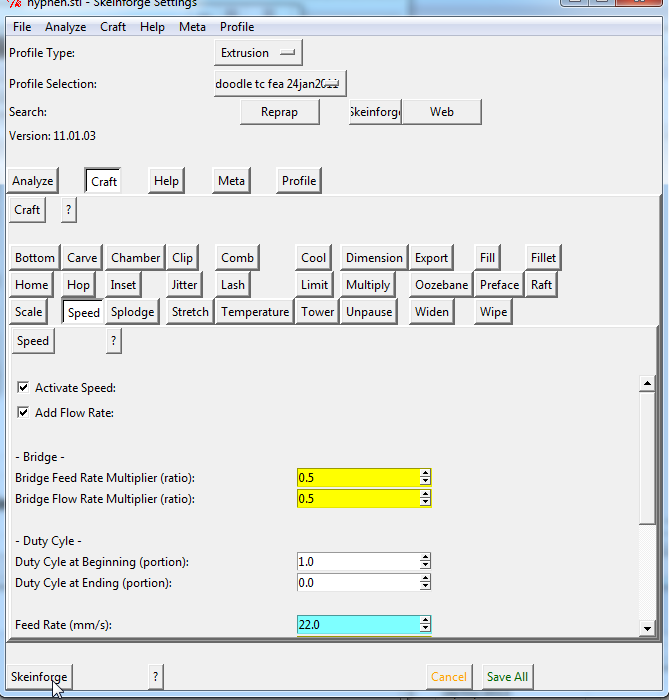
This opens a new window called skeinforge,
click on the skeinforge button at the bottom to open your model

Select your STL file and press open.

Now Wait...
...

...

Two new windows will appear, these describe in a colourful way how the models will be built. you can close these windows now.


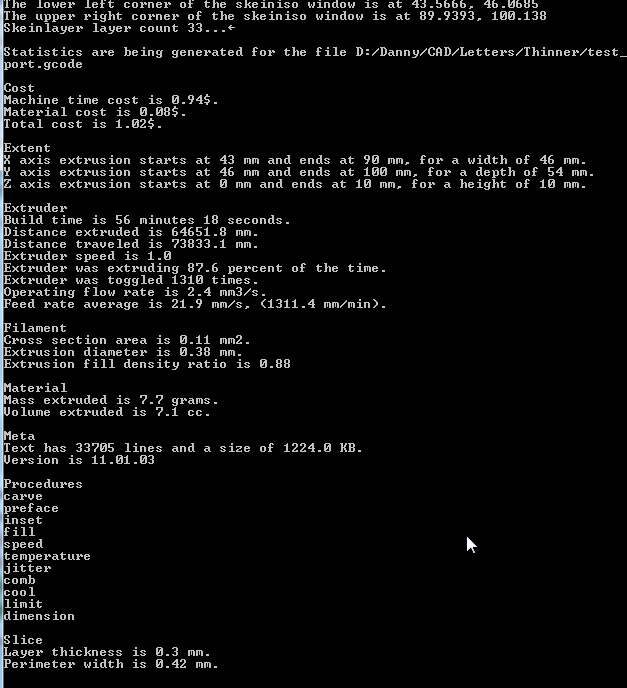
Now if you look at the python command line window that is open you can find some interesting things about your print that's going to happen, (like how much material will be used, how long it might take to print etc.

Printing

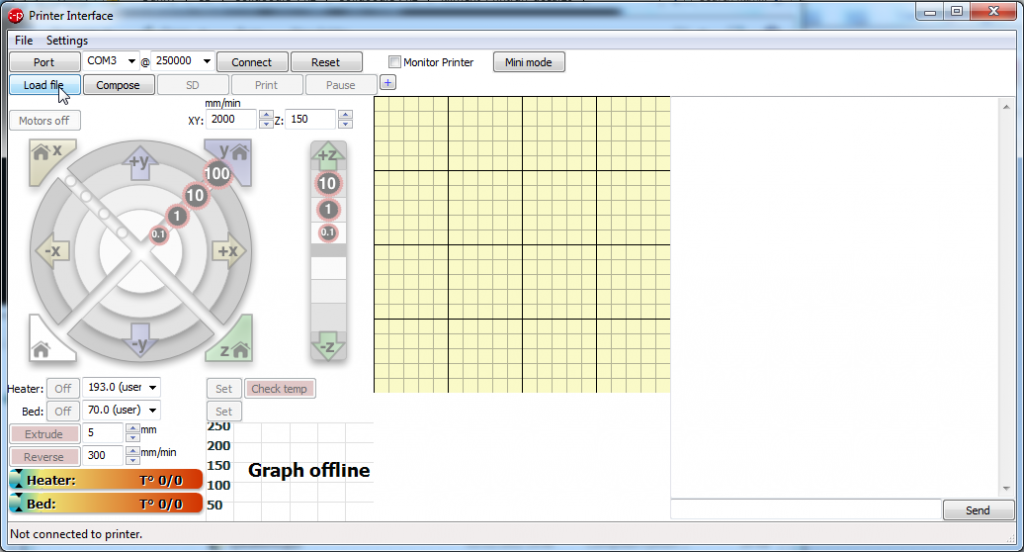
Now you should be looking at the pronterface screen again, select load file and open your file:
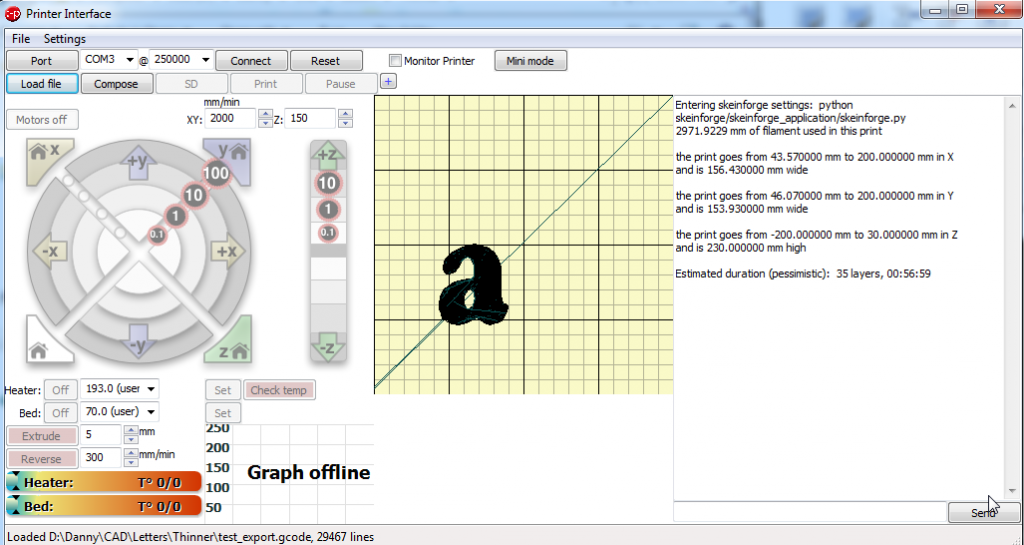
You now get a picture showing you how your file will look and where it will be printed on the bed.

Make sure that you have the correct com port set, and press connect.
Check the box that says monitor printer (in-between reset and mini mode)
now press set on the bed temperature.
watch as the actual temperature line ramps up to meet the target line.

When the bed has heated up, click set on the heater button, watch as the nozzle comes up to temperature.

When both the bed and the nozzle are at printing temperature then press the print button, then watch your printer make the letters for the door sign.

Monday, December 17, 2012

Glass bed upgrade for Solidoodle

So I'm beinging to find that I'm habing some issues with my solidoodle, the issues are that the aluminium plate that acts as the bed is warped.

I've attached a dial gauge to the print head, and measured the warping.

You can see the red areas, are more than a full layer higher than the top corner.

This means thatI have intermittent issues with the first layers sticking to the beds, in some areas of the bed the bed is too close to the extruder and a short fat line of filament is squashed onto the bed.

In other areas the extrusion comes out of the extruder and is almost gently placed on the bed, keeping it's round shape and not sticking very well at all!

The flattest thing that I have is some glass. - and I wonder if it's possible to texture the glass so that there is no need for Kapton tape on the bed.
I do not have the facilities to etch glass with sand blasting, - whih would create a lot of texture, so I will try experiments using a chemical etching using hydroflouric acid.

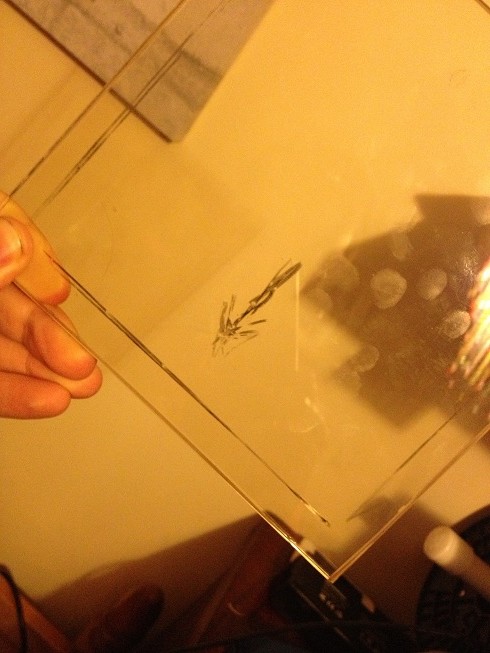
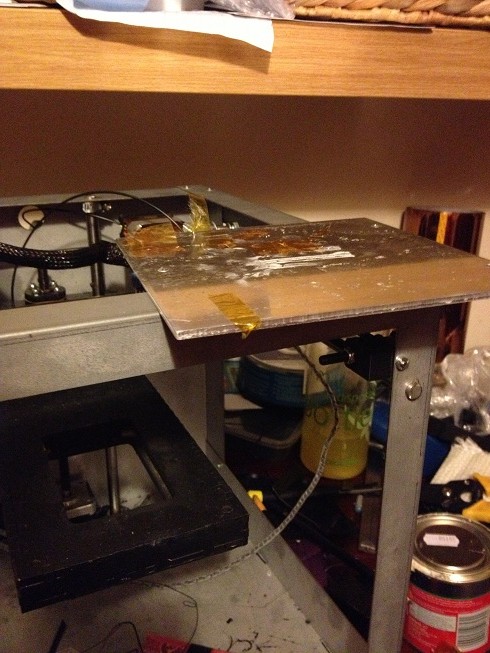
This puts a nice grey sheen onto the glass, and I've stuck the glass to the printer using some tape.

Unfortunately, the bed texture does not help with ABS sticking to the bed. 


But, Kapton tape still sticks, so using this in the print area on top of glass is certainly no worse than what I had...


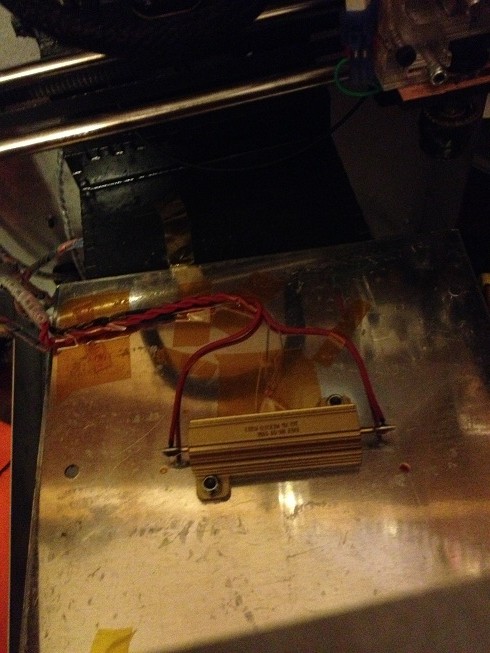
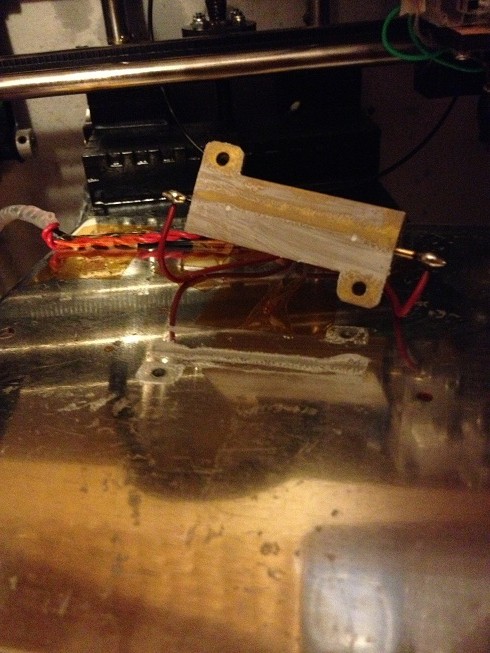
Now, I have that first issue with the warping, and even with a glass sheet on the bed, have a seoncd issue. I'm finding that the heat distribution of a central power resistor just screwed to the bottom of the bed is meaning that the centre of the bed is very hot, (and causes the first few layers to melt and deform, whilst the outside edges are not at all hot, so the extruded plastic has trouble sticking.

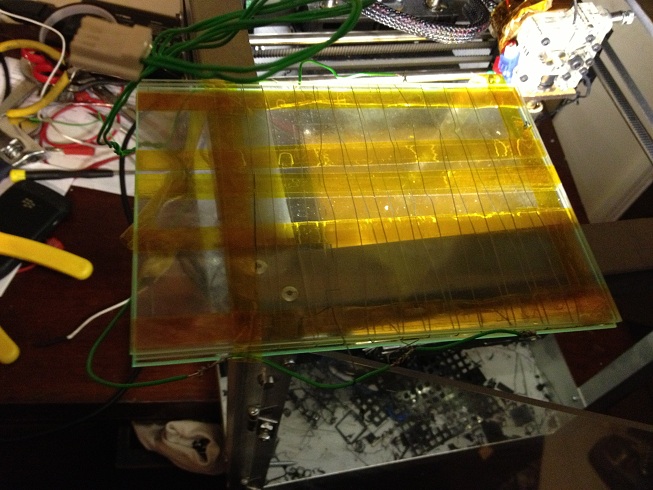
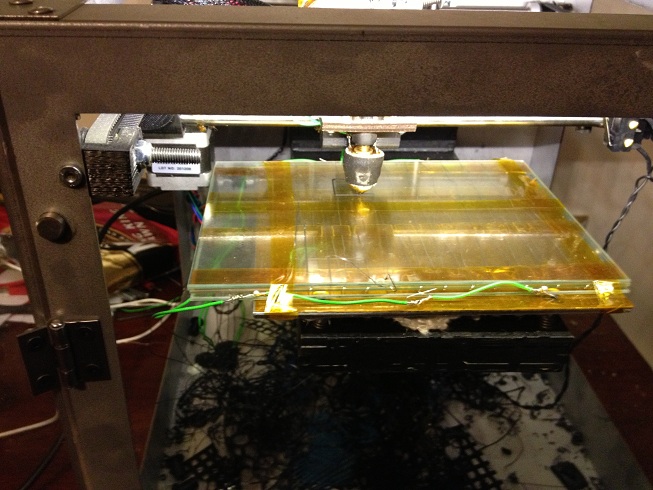
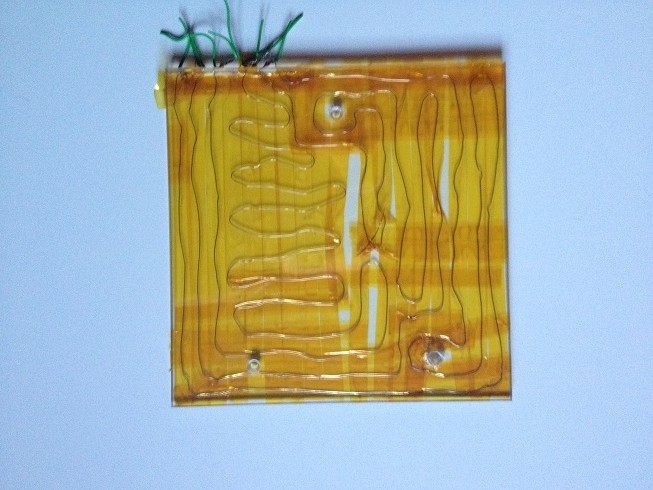
As a proof of concept, I've added a second glass sheet and Nichrome wire wrapped around this to create a heater that spreads the complete print area.


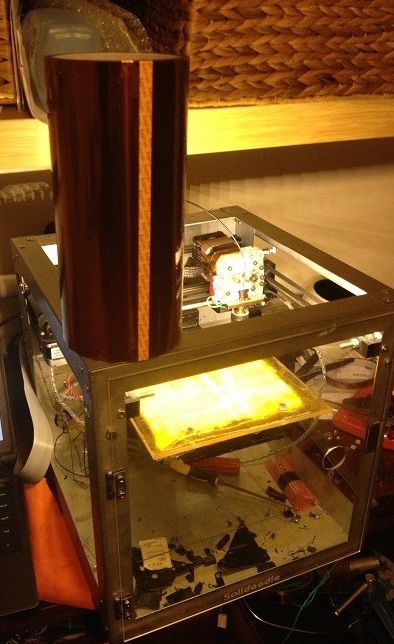
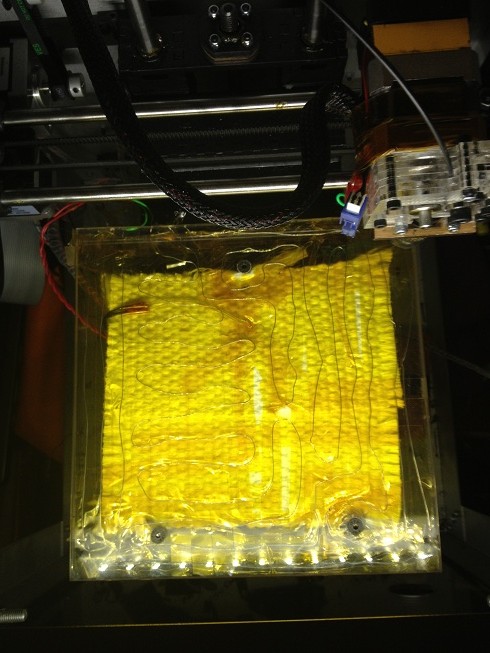
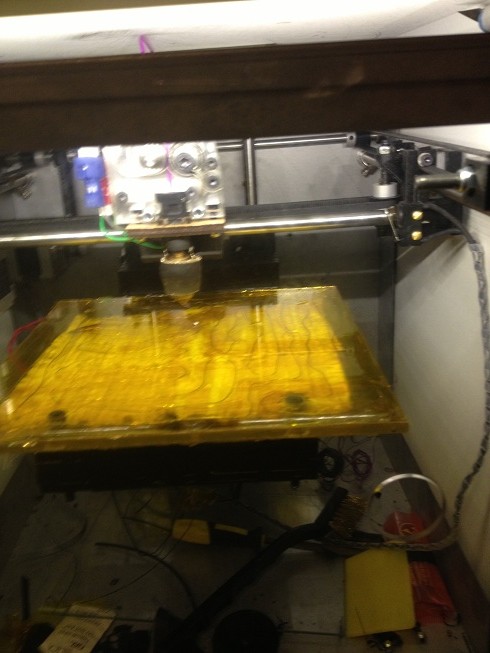
And good news, I can print on this bed once covered in Kapton - no glass etch needed.


Couple of issues with this...
Many people have started putting a sheet of glass on top of their aluminum beds and holding it with binder clips to ensure that it doesn't move.

but, whilst the glass is level, this integrated heated may, or may not be level. - it covered the bed leveling screws so it's not possible to level the bed with the glass on top, and not possible to get the bed level without having the glass on top...

I've decided that I'm going to replace the warped bed completely, and try to get more even heating by using some nichrome wire to heat the bed all over. - a gomplete glass bed.

You can get heat proof glass from a glass merchant, sounds silly, but look for one that specialises in glass for home made wood burning stoves.
As a guide to price, I got a piece 7" x 7" 1/4" thick £13 (GBP) that was the price to get this measures and cut
The rest of this post is my new glass bed.
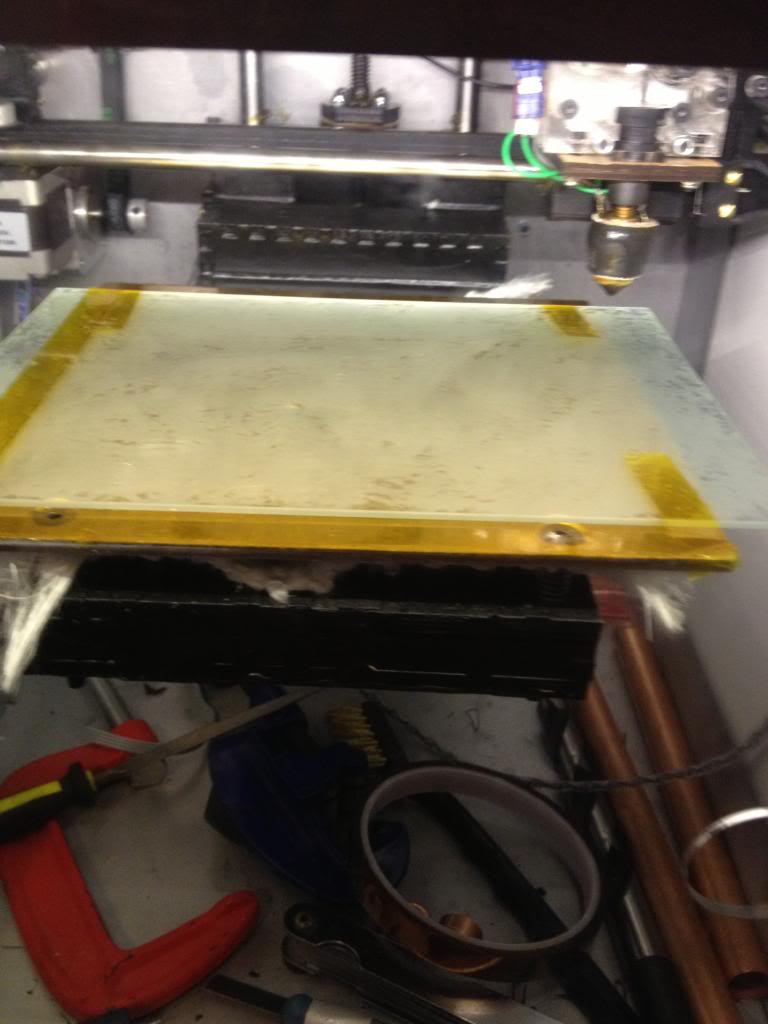
To start remove the glass that you've either clipped or taped to the aluminium bed, (for those wanting to avoid the hot end bumping into binder clips, use 1/4" kapton to stick down the glass:

remove the kapton, (you need to get to the screws:

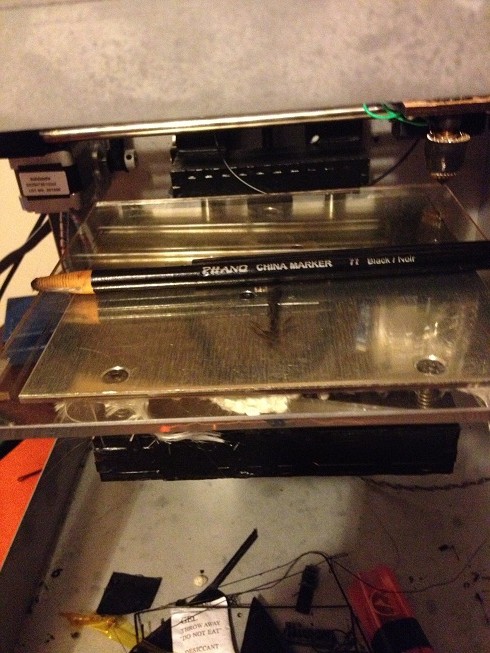
Using a "china marker" go ask someone working on a deli counter to get you one, mark the edges of where the glass can comfortably sit:

You won't need to do this if you're using a 6x6 piece of glass, but of you want to use all the extents of travel of the hotend, then you'll need to make sure that the steppers are cleared

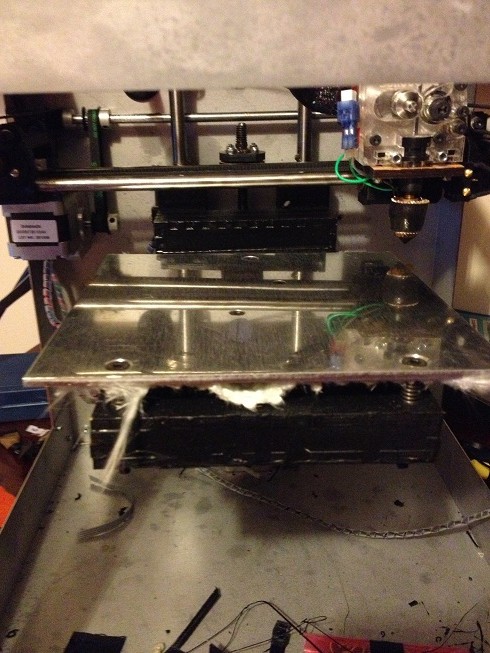
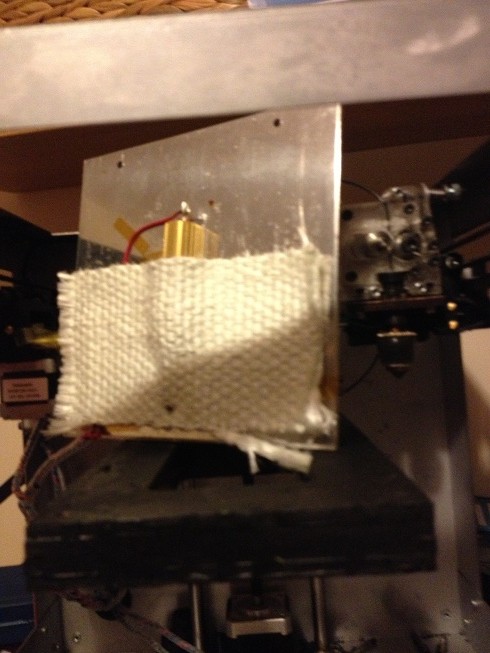
next unscrew the aluminium. remove the heat shield/insulation from the back.

now remove the resistor and thermistor:


now the bed is completely removed

Next using the marks on the glass put the bed under the glass and mark the screw holes.
using a glass bit drill the glass, (either 4mm or 5mm) and countersink the holes.


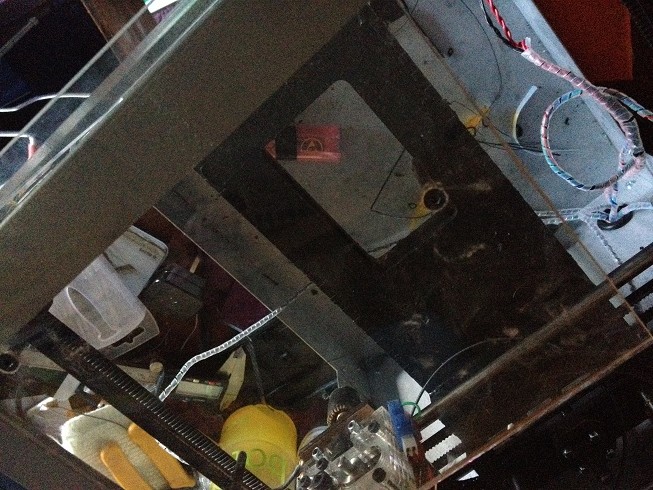
now take three 9ohm lengths of nichrome wire, and a 1/4" roll of kapton, loop the wire over the underside of the bed using the 1/4" kapton to hold it to the glass

Join the ends together to make a 3ohm resistor evenly spread over the whole bed,
tape the thermistor to the bed in a spot where it's an even distance from any length of nichrome.
join the red wires where the resistor was attached to the ends of the nichrome
and replace the heat shield
Level the bed...
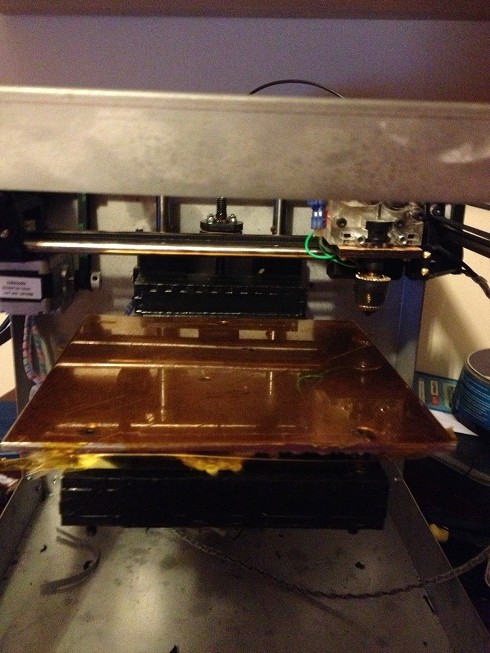
next, because glass isnt all that sticky, you'll need kapton

a nice big roll will do!
lay the kapton over the bed, stick one side first, use a plastic squeegee (you can print this!) to push the kapton onto the bed without airbubbles.


Done

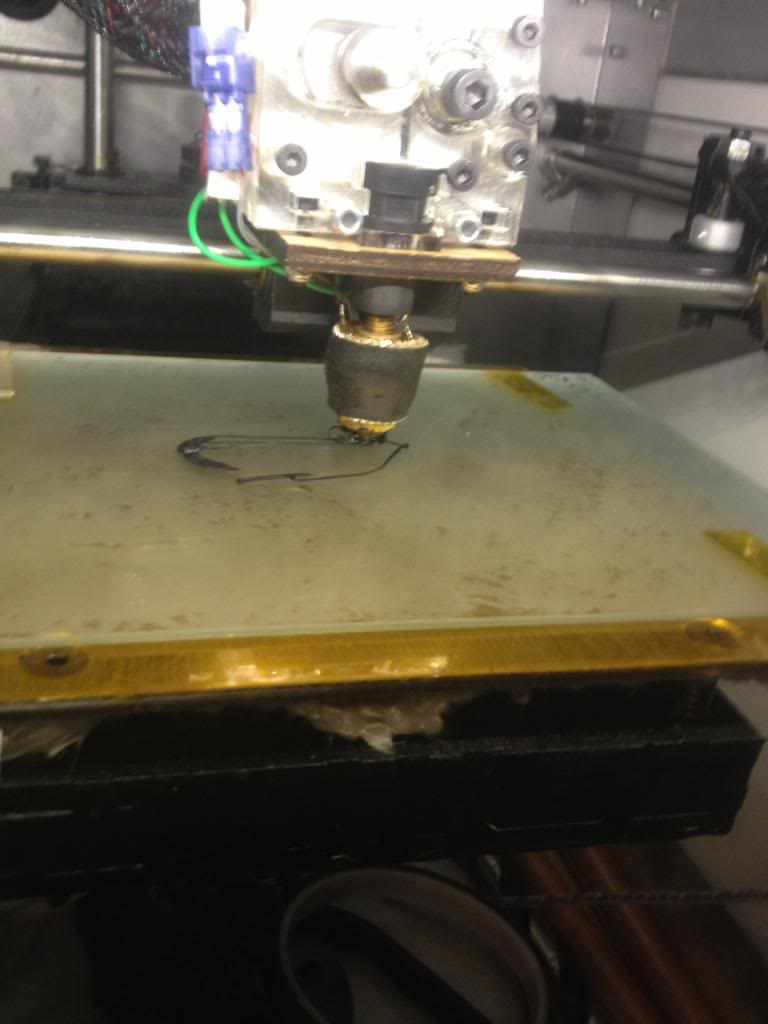
Printing on an all glass bed.

The bed takes the same time to heat up, but rather than getting a middle of spot of around 90 degrees with cooler edges, (so the middle of a print squidges and the edges lift, I can print with a bed temperature of around 70Degrees (and have confirmed the machine readings with a thermocouple probe)

I've also increased the area that I can print on by almost a full inch in the x and y planes.